Blog

  • REST API: How to Create a Fake REST API with JSON Server

    Introduction: Streamline Your Development with JSON Server

    As a client application developer, you often find yourself waiting for the backend API to be ready, or needing a quick way to prototype and test your application’s data fetching logic. This is where JSON Server comes to the rescue! It allows you to create a full fake REST API in less than a minute with zero coding. This guide will walk you through how to create a fake REST API with JSON Server, making your development workflow smoother and more efficient for testing your APIs.


    What is JSON Server and the REST Uniform Interface?

    JSON Server is a standalone Node.js module that enables you to create a RESTful API (a REST API) from a simple JSON file. It’s incredibly useful for mocking data, frontend prototyping, and testing purposes, giving you full CRUD operations out of the box, essentially acting as a mock service or test api.

    Key Characteristics of REST APIs

    The REST (Representational State Transfer) architectural style, which JSON Server mimics, is defined by several constraints, including the uniform interface. The uniform interface constraint dictates a standard way of interacting with resources regardless of the request origin. A typical REST API interaction involves the client sending an API request and receiving REST responses, often accompanied by $\text{HTTP}$ status codes.


    Step 1: Install JSON Server Globally (Node.js Service)

    The easiest way to get started is to install JSON Server globally using npm or yarn. This establishes the core service on your server (Node js).

    Bash

    npm install -g json-server
    # Or, if you prefer Yarn:
    # yarn global add json-server
    

    Step 2: Create Your Data File (db.json)

    Create a new file named db.json. This file will serve as the data source for your fake API. You define your resources (e.g., posts, comments, users) within this file, creating the fundamental rest resource for the API.

    JSON

    {
      "posts": [
        { "id": 1, "title": "json-server", "author": "typicode" }
      ],
      "comments": [
        { "id": 1, "body": "some comment", "postId": 1 }
      ],
      "profile": { "name": "typicode" }
    }
    

    Step 3: Start JSON Server

    Navigate to your project directory and start JSON Server. This command instructs the application to watch the data file and create the public endpoints.

    Bash

    json-server --watch db.json
    

    Exploring Your Fake REST API: Resource Methods

    Now you can interact with your API just like a real one, leveraging the resource methods of the REST uniform interface:

    • GET all posts: GET /posts (Retrieves resource representation)
    • POST a new post: POST /posts (API requests should specify the media type via Content-Type application JSON header, adhering to HAT principles)
    • PUT/PATCH/DELETE: Use these resource methods for updating and deleting a single rest resource (e.g., PUT /posts/1).

    Advanced Querying and Filtering

    JSON Server supports advanced features essential for a real-world REST API, allowing the client to customize the request:

    • Filtering: GET /posts?author=typicode
    • Pagination: GET /posts?_page=2&_limit=10
    • Sorting: GET /posts?_sort=title&_order=asc

    Testing and Integration

    You can test these API requests and verify the REST responses using a client like Postman or directly connecting the fake API to your client application. This simplifies integration testing for your rest apis and services.


    Conclusion

    JSON Server is an incredibly powerful yet simple tool that can significantly accelerate your development workflow. By mastering how to create a fake REST API with JSON Server, you gain a fully functional, REST-compliant fake API that speeds up testing, allows you to quickly connect your application to a temporary service, and simplifies development against a fixed set of resources.

    1. Tree Diagram (Left)

    The Tree Diagram shows the hierarchical relationships clearly, with the root at the top and branches connecting objects (nodes) to their keys.

    • Root: Starts with the UserProfile object.
    • Key Properties: The UserProfile directly contains primary keys:
      • name (string)
      • address (object)
      • roles (array)
    • Nesting:
      • The name key has nested properties: isActive (boolean).
      • The address object contains city (object) and postalCode (string).
      • The city object further contains street (string), city (string), and country (string) (Note: The diagram structure seems to show street, city, and country as direct children of the address object, alongside a nested city object, which suggests a potentially confusing or redundant structure in the mock data).
    • Arrays: The roles key is an array containing two items: 1: Editor and 2: Viewer.

    2. Indented Block Diagram (Right)

    The Indented Block Diagram uses nested, colored boxes to represent the structure, mimicking the indentation of the raw JSON code for a UserProfile (object).

    • Primary Keys: The top-level block shows the direct keys of the UserProfile object:
      • name (string)
      • email (string)
      • isActive (boolean)
      • address (object)
      • roles (array)
    • Nesting:
      • The address (object) block is nested and contains its own keys: street (string), city (string), and country (string).
      • The roles (array) block is nested and lists its elements: 0: Admin and 2: Viewer (Note: The diagram lists 0: Admin and 2: Viewer, which is slightly different from the Tree Diagram’s array content).

    Summary of Infographic Purpose

    These visualizations are excellent tools for:

    • Understanding the Schema: They quickly convey the names, data types, and nesting levels of the keys within the JSON.
    • Documentation: They serve as clear, non-code documentation for developers working with an API that uses this JSON structure.
    • Training: They help visualize complex hierarchical data without requiring the user to read long blocks of text-based JSON.

    learn for more knowledge

    Json Parser ->WHAT IS API JSON Parser – JSON Parser API – JSON.parse – json parse

    Json web token ->What Is OneSpan Token – json web token

    Json Compare ->What Is JSON Diff Online? (Beginner-Friendly Explanation) – online json comparator

    Mykeywordrank->Google Website Rank Checker- Track Your Keyword Rank and SEO Performance – keyword rank checker

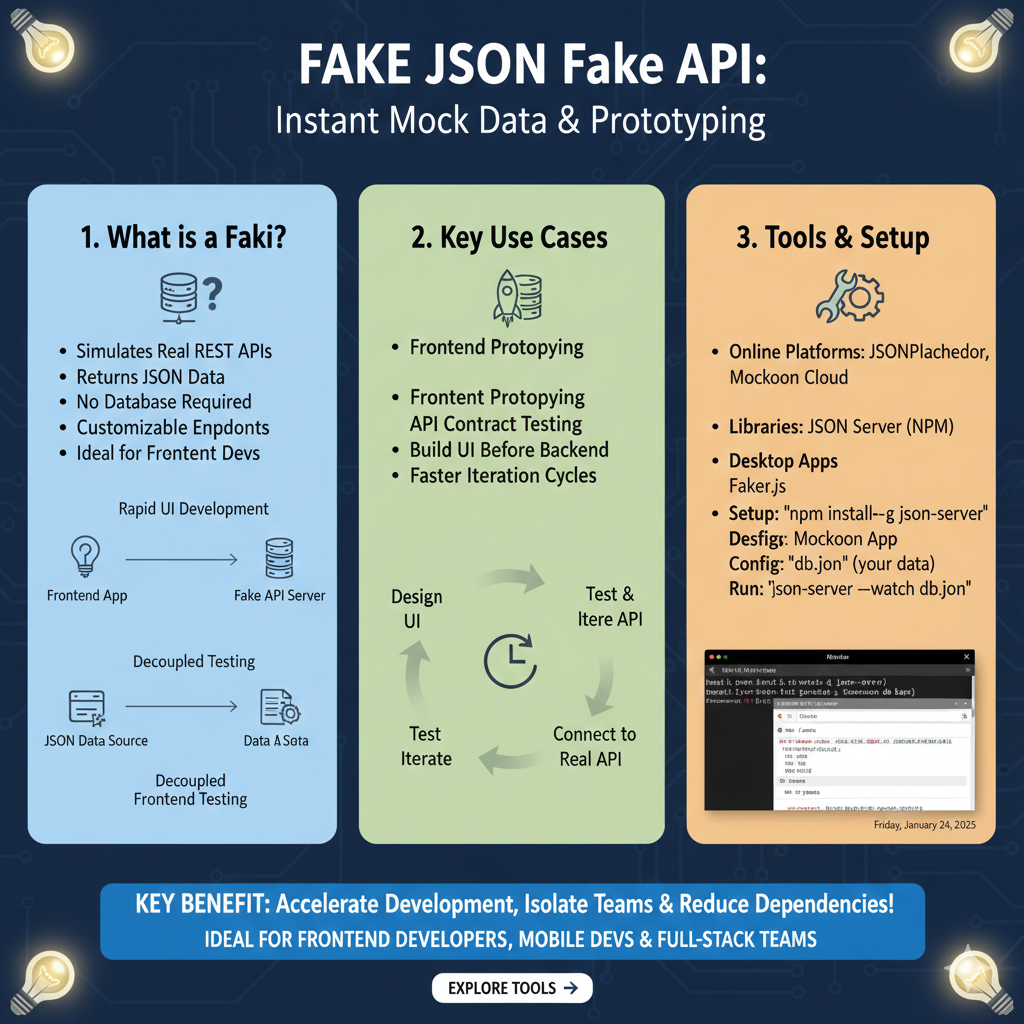
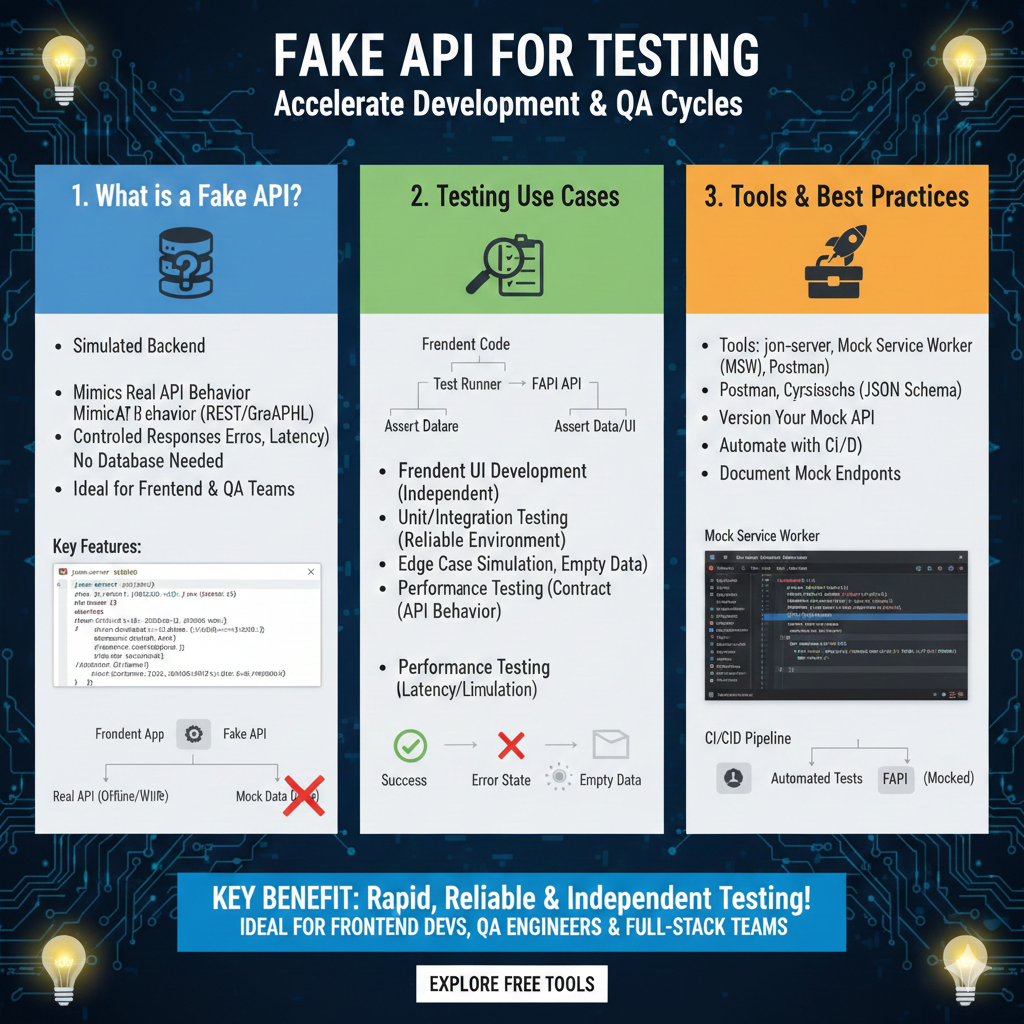
  • How to Effectively Use Fake JSON APIs for Development & Testing

    In the fast-paced world of web and mobile application development, efficient testing and rapid prototyping are paramount. Often, developers find themselves waiting for a backend API to be ready, which can significantly slow down progress. This is where fake JSON APIs come into play, offering a powerful solution to maintain momentum.

    What is a Fake JSON API?

    A fake JSON API, also known as a mock API or simulated API, is an endpoint that mimics the behavior of a real API but serves static or dynamically generated JSON data. It allows front-end developers to continue building and testing their applications without needing a fully functional backend server.

    Why Use Fake JSON APIs in Your Development Workflow?

    Leveraging fake JSON APIs offers several compelling advantages:

    • Accelerated Development: Front-end and back-end teams can work in parallel. Front-end development can start immediately, even if the backend isn’t ready.
    • Independent Testing: Isolate front-end components and test them thoroughly without external dependencies, making your unit and integration tests more reliable.
    • Reduced Costs: Avoid incurring costs associated with real API calls during extensive testing, especially for third-party APIs with usage limits.
    • Consistent Data: Control the exact data returned by the API, making it easier to test edge cases, error states, and specific scenarios.
    • Offline Development: Develop and test your application even without an internet connection if you’re using a local fake API server.

    How to Effectively Use Fake JSON APIs

    There are several approaches to integrating fake JSON APIs into your development process:

    • Online Services: These platforms provide ready-to-use endpoints that serve fake data. They are quick to set up and ideal for prototyping.
    • Local Servers/Tools: For more control and complex scenarios, you can set up a local server using tools that generate and serve JSON data from files or configurations.
    • In-App Mocks: Sometimes, especially for unit testing, you might mock the API calls directly within your application code using libraries like Mock Service Worker (MSW) or Nock.

    Popular Tools for Creating Fake JSON APIs

    Here are some widely used tools and services:

    • JSONPlaceholder: A free online REST API that serves fake data for testing and prototyping. It’s incredibly simple to use and provides common resources like posts, comments, users, etc.
      fetch('https://jsonplaceholder.typicode.com/posts/1')
      .then(response => response.json())
      .then(json => console.log(json))

    • Mockoon: A desktop application (and CLI) that allows you to quickly create and run mock APIs locally. It offers advanced features like custom routes, dynamic responses, and even proxying.
    • json-server: A popular Node.js library that lets you create a full fake REST API with zero coding in less than a minute. You just need a JSON file.
      // db.json
      {
      "posts": [
      { "id": 1, "title": "json-server", "author": "typicode" }
      ]
      }

      // Command line
      json-server --watch db.json

    • Mirage JS: A client-side API mocking library for JavaScript applications. It lets you build a full-featured mock server that lives in your client-side code.

    Best Practices for Using Fake JSON APIs

    • Keep Data Realistic: While the data is fake, ensure it closely resembles the structure and types of data your real API will provide. This prevents unexpected issues when switching to the actual API.
    • Mimic Real API Behavior: Don’t just return data; simulate status codes (200, 404, 500), error messages, and even slight delays to get a more accurate testing environment.
    • Document Your Mocks: Clearly document the endpoints, expected request formats, and response structures of your fake APIs, especially when working in teams.
    • Version Control Your Fake Data: If using local JSON files or configurations, keep them under version control (e.g., Git) alongside your project code.
    • Integrate with Build Processes: Automate the setup and teardown of your mock servers within your development and testing scripts.

    Conclusion

    Fake JSON APIs are an indispensable tool in the modern developer’s toolkit. They empower teams to build faster, test more thoroughly, and maintain a smooth workflow regardless of backend readiness. By understanding how to effectively use fake JSON APIs and leveraging the right tools, you can significantly enhance your development efficiency and product quality. Start integrating them into your projects today and experience the benefits firsthand!

    DummyJSON API

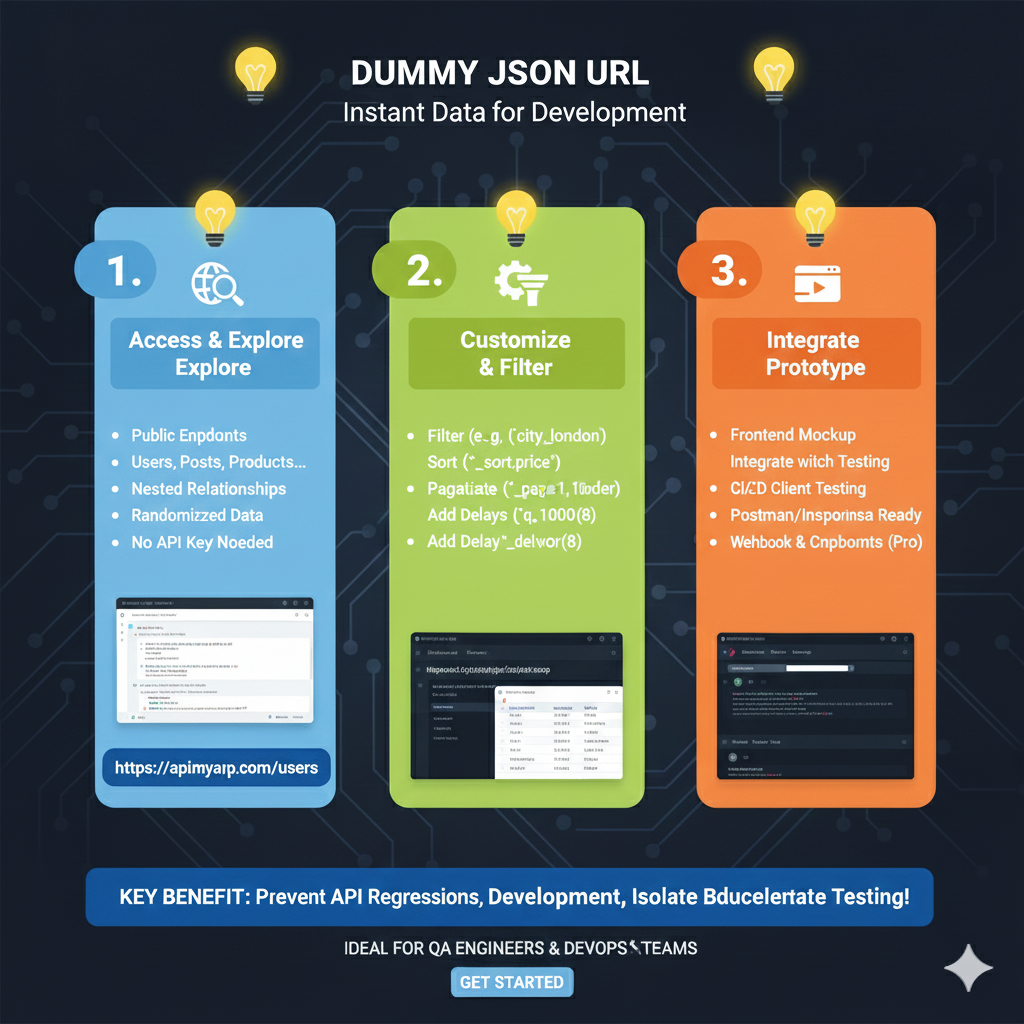
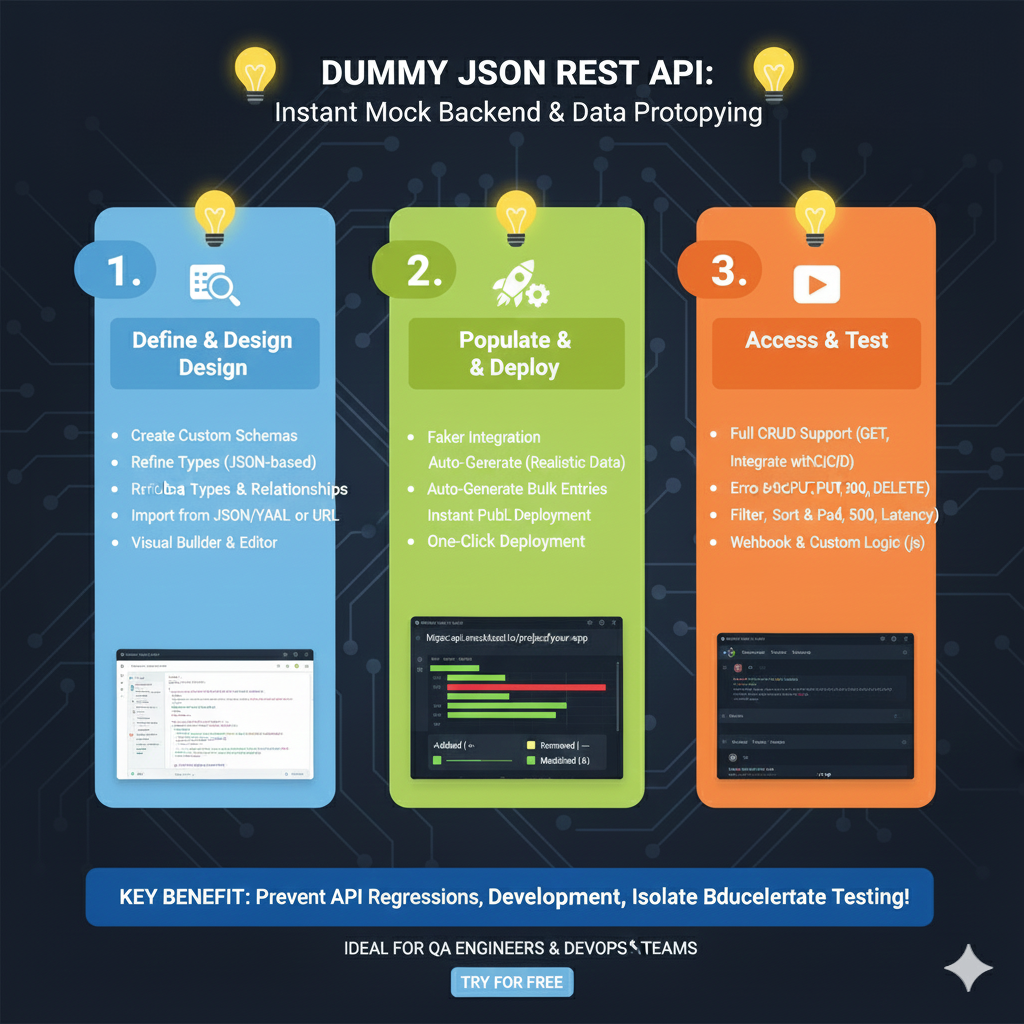
    This infographic explains how the DummyJSON API service helps developers create and use mock JSON data immediately for rapid development and testing.

    1. The Problem & The Solution 💡

    SectionDescription
    1. The Problem:Stalled Dev. The developer is Waiting for Backend API endpoints to be completed, causing development delays.
    2. The Solution:Instant Mock API!. Developers can Paste Your JSON or Select a Resource to immediately get Routes Ready.

    2. Key Features & Benefits ✨

    The service offers powerful features that mimic a fully functional backend API, crucial for comprehensive frontend testing.

    • Instant REST Endpoints: The API automatically generates standard endpoints like /users, /products, and /posts based on the data structure.
    • Custom Routes & Filters: It supports query parameters for advanced filtering and pagination, such as /products?limit=5&skip=10.
    • Persistence & Data Editing: The mock data can be updated dynamically via standard REST methods like POST, PUT, and DELETE requests.
    • Latency Simulation: The tool allows developers to add artificial delays to simulate realistic network latency.

    3. How It Works: (2-Step Setup) ⚙️

    The process is designed for speed and simplicity, allowing developers to get a live API endpoint in minutes.

    • Step 1: Paste Your JSON Data. The user provides the desired data structure.
    • Step 2: Get Your API Endpoint!. The tool instantly generates a live, persistent URL, such as https://api.dummyjson.com/your-project/data.
    fake json api data for developers

    learn for more knowledge

    Json Parser ->WHAT IS API JSON Parser – JSON Parser API – JSON.parse – json parse

    Json web token ->WHAT IS JWT Security, Web Security,-JSON Web Tokens – json web token

    Json Compare ->JSONCompare: The Ultimate JSON Compare Tool – online json comparator

    Mykeywordrank ->SEO Ranking Checker -Keyword Rank Checker – keyword rank checker

  • How to Supercharge Your Web Development with Dummy JSON APIs

    In the fast-paced world of web development, efficiency is key. Often, front-end developers find themselves waiting for the back-end API to be ready, leading to delays. This is where Dummy JSON APIs come to the rescue! This guide will walk you through what they are, why you should use them, and crucially, how to integrate them into your development workflow to speed things up and enhance your testing.

    What is a Dummy JSON API?

    A Dummy JSON API is essentially a mock server that provides predefined JSON data over HTTP, mimicking a real API. It’s designed for development, testing, and prototyping when a live back-end is unavailable or impractical to use. Instead of connecting to a real database, it serves static or semi-dynamic data, allowing front-end developers to build and test user interfaces independently.

    Why Use Dummy JSON APIs?

    Leveraging dummy JSON APIs offers several significant advantages:

    • Rapid PrototypingQuickly build out UI components and pages without waiting for the back-end. This accelerates the initial design and development phase.

    • Front-End Development Without Back-End DependencyTeams can work in parallel. Front-end developers can start building features immediately, even if the back-end API is still under construction or not fully stable.

    • Effective Testing and DebuggingDummy data allows you to simulate various scenarios, including empty states, error responses, and different data structures, making it easier to test edge cases and debug your front-end logic.

    • Learning and ExperimentationFor beginners, dummy APIs provide a safe sandbox to practice making API requests and handling responses without affecting a real system.

    How to Get Started with Dummy JSON APIs

    Let’s dive into the practical steps of using dummy JSON APIs.

    1. Choosing a Dummy JSON API Provider

    Several excellent services offer free dummy JSON APIs:

    • DummyJSON.com: Offers a wide range of resources like products, users, posts, carts, and more, with support for searching, filtering, and pagination.
    • JSONPlaceholder: A classic choice for simple mock REST APIs, providing fake data for posts, comments, albums, photos, and users.
    • Reqres.in: A hosted REST API that provides a simple way to get mock data for client-side use, supporting GET, POST, PUT, DELETE.

    2. Making Your First Request

    Let’s use DummyJSON.com as an example to fetch a product. You can do this with JavaScript’s fetch API:

    fetch('https://dummyjson.com/products/1')
      .then(res => res.json())
      .then(json => console.log(json));

    This code sends a GET request to retrieve the product with ID 1 and logs the JSON response to your console. The output would look something like this:

    {
      "id": 1,
      "title": "iPhone 9",
      "description": "An apple mobile which is nothing like apple",
      "price": 549,
      "discountPercentage": 12.96,
      "rating": 4.69,
      "stock": 94,
      "brand": "Apple",
      "category": "smartphones",
      "thumbnail": "https://i.dummyjson.com/data/products/1/thumbnail.jpg",
      "images": [
        "https://i.dummyjson.com/data/products/1/1.jpg",
        "https://i.dummyjson.com/data/products/1/2.jpg",
        "https://i.dummyjson.com/data/products/1/3.jpg",
        "https://i.dummyjson.com/data/products/1/4.jpg",
        "https://i.dummyjson.com/data/products/1/thumbnail.jpg"
      ]
    }

    3. Working with Collections and Filtering

    Most dummy APIs allow you to fetch lists of resources and apply filters. For instance, to get all products:

    fetch('https://dummyjson.com/products')
      .then(res => res.json())
      .then(json => console.log(json));

    To search for products:

    fetch('https://dummyjson.com/products/search?q=phone')
      .then(res => res.json())
      .then(json => console.log(json));

    4. Simulating CRUD Operations (Create, Read, Update, Delete)

    While dummy APIs are primarily for reading data, some allow you to simulate other HTTP methods (POST, PUT, DELETE) for testing purposes. Note that changes are usually not persisted on the server.

    Creating a new resource (POST)

    fetch('https://dummyjson.com/products/add', {
      method: 'POST',
      headers: { 'Content-Type': 'application/json' },
      body: JSON.stringify({
        title: 'New Product X',
        description: 'A fantastic new product for testing',
        price: 99.99
      })
    })
      .then(res => res.json())
      .then(json => console.log(json));

    Updating a resource (PUT/PATCH)

    fetch('https://dummyjson.com/products/1', {
      method: 'PUT', /* or PATCH */
      headers: { 'Content-Type': 'application/json' },
      body: JSON.stringify({
        title: 'Updated iPhone 9'
      })
    })
      .then(res => res.json())
      .then(json => console.log(json));

    Deleting a resource (DELETE)

    fetch('https://dummyjson.com/products/1', {
      method: 'DELETE',
    })
      .then(res => res.json())
      .then(json => console.log(json));

    Best Practices for Using Dummy JSON APIs

    • Do Not Use in ProductionDummy APIs are for development and testing. Never expose them to production environments, as they are not designed for security, scalability, or persistence.

    • Match Real API StructureWhen prototyping, try to align the dummy JSON structure as closely as possible to your anticipated real API. This minimizes refactoring later on.

    • Consider Local Mocking ToolsFor more control over responses (e.g., specific error codes, delays), consider local mocking tools like Mockoon, Mirage JS, or even setting up a simple Node.js server with Express.

    Conclusion

    Dummy JSON APIs are invaluable tools in a developer’s arsenal. By understanding how to effectively utilize them, you can significantly accelerate your front-end development, improve testing coverage, and create a more robust application. Embrace these powerful resources to streamline your workflow and focus on building amazing user experiences!

    for DummyJSON API

    This infographic explains how the DummyJSON API service helps developers create and use mock JSON data immediately for development and testing.


    1. The Problem & The Solution 💡

    SectionDescription
    1. The Problem:Stalled Dev. The developer is Waiting for Backend API endpoints to be completed, causing development delays.
    2. The Solution:Instant Mock API!. Developers can Paste Your JSON or Select a Resource to immediately get Routes Ready.

    3. Key Features & Benefits ✨

    The service offers powerful features that mimic a fully functional backend API, crucial for comprehensive frontend testing.

    • Instant REST Endpoints: The API automatically generates standard endpoints like /users, /products, and /posts based on the data structure.
    • Custom Routes & Filters: It supports query parameters for advanced filtering and pagination, such as /products?limit=5&skip=10.
    • Persistence & Data Editing: The mock data can be updated dynamically via standard REST methods like POST, PUT, and DELETE requests.
    • Latency Simulation: The tool allows developers to add artificial delays to simulate realistic network latency.

    4. How It Works: (2-Step Setup) ⚙️

    The process is designed for speed and simplicity, allowing developers to get a live API endpoint in minutes.

    • Step 1: Paste Your JSON Data. The user provides the desired data structure.
    • Step 2: Get Your API Endpoint!. The tool instantly generates a live, persistent URL, such as https://api.dummyjson.com/your-project/data.
    dummy json api fake data

    learn for more knowledge

    Json Parser ->What Is Node.js Body Parser? express body-parser (Explanation) – json parse

    Json web token ->What Is Auth0 JWT, JSON Web Token – json web token

    Json Compare ->Online Compare JSON, JSON Compare, JSON Compare Tool, JSON Diff – online json comparator

    Mykeywordrank ->What Is Seo Rank and seo analyzer – keyword rank checker

  • How to Easily Create a Mock JSON API Online for Faster Development & Testing

    How to Easily Create a Mock JSON API Online for Development & Testing

    Are you a developer often waiting for backend APIs to be ready before you can start front-end development or testing? Or do you need a temporary API endpoint for a quick demo or prototype? The solution you’re looking for is a mock JSON API online.

    What is a Mock JSON API?

    A mock JSON API is a simulated web service that mimics the behavior of a real API. It provides predefined responses to specific requests, allowing front-end developers, testers, and designers to work independently without relying on a fully functional backend.

    Why Use an Online Mock JSON API?

    • Parallel Development: Front-end and back-end teams can work concurrently.
    • Faster Prototyping: Quickly build and demonstrate features without a live backend.
    • Isolated Testing: Create consistent test environments, free from backend bugs or changes.
    • Reduced Dependency: Minimize roadblocks caused by backend delays.
    • Cost-Effective: Often free or low-cost for basic usage compared to deploying a full backend.

    How to Create a Mock JSON API Online

    Several online tools make creating and hosting a mock JSON API incredibly simple. Here’s a general guide:

    1. Choose an Online Mocking Tool

    Popular choices include:

    • JSONPlaceholder: A free fake API for testing and prototyping. It offers a pre-defined set of resources (posts, comments, users, etc.).
    • MockAPI.io: Allows you to create custom REST APIs with a simple interface, often with faker data generation.
    • Mocky.io: Generates custom HTTP responses with specified status codes, headers, and body content for one-off mocks.
    • Beeceptor: Offers advanced mocking capabilities, inspection, and proxying.

    2. Define Your Data Structure (JSON)

    Before using a tool, decide what data your API will return. This will be in JSON format. For example, for a list of products:

    
    [
      {
        "id": 1,
        "name": "Laptop Pro",
        "price": 1200,
        "category": "Electronics"
      },
      {
        "id": 2,
        "name": "Mechanical Keyboard",
        "price": 150,
        "category": "Peripherals"
      }
    ]
    

    3. Use the Tool to Create Endpoints

    Each tool has its own interface, but the general steps are:

    1. Navigate to the tool’s website (e.g., MockAPI.io or Mocky.io).
    2. Sign up or log in (if required for persistent mocks).
    3. Create a new “project” or “resource” (for tools like MockAPI.io).
    4. Define your API endpoint path (e.g., /products).
    5. Paste your JSON data into the response body field.
    6. Set the HTTP method (GET, POST, PUT, DELETE) and status code (e.g., 200 OK).
    7. Save and get your unique API endpoint URL.

    Example with Mocky.io

    With Mocky.io, you can quickly define a static response:

    1. Go to mocky.io.
    2. Paste your desired JSON response into the “Response Body” editor.
    3. Set the “HTTP Status” (e.g., 200).
    4. Click “Generate my HTTP response”.
    5. You’ll get a unique URL like http://www.mocky.io/v2/YOUR_UNIQUE_ID.

    This URL will always return the JSON you defined, making it perfect for quick tests or demonstrations.

    Example with MockAPI.io (Conceptual)

    For more complex scenarios with multiple resources and full CRUD operations, tools like MockAPI.io or JSONPlaceholder are better. Let’s say you want an endpoint for users. You’d go to MockAPI.io, create a new resource named “users”, and define its schema. MockAPI.io then automatically generates RESTful endpoints like:

    • GET /users – Get all users
    • GET /users/{id} – Get a single user
    • POST /users – Create a new user

    You can then populate it with data, or let the tool generate faker data for you.

    Integrating Your Mock API

    Once you have your mock API URL, you can integrate it into your front-end application just like a real API. Here’s a JavaScript fetch example:

    
    fetch('YOUR_MOCK_API_URL/products')
      .then(response => response.json())
      .then(data => console.log(data))
      .catch(error => console.error('Error:', error));
    

    Simply replace 'YOUR_MOCK_API_URL/products' with the URL provided by your chosen online mocking service.

    Conclusion

    Leveraging a mock JSON API online is a powerful strategy for any development team looking to accelerate their workflow, reduce dependencies, and improve the robustness of their testing. By understanding how to create and use these tools, you can significantly streamline your development process and bring products to market faster.

    Mock JSON API Online

    This infographic explains how an online mock API service helps frontend developers overcome dependencies on a slow or stalled backend.


    1. The Problem & The Solution 💡

    SectionDescription
    The Problem:Stalled Frontend Dev. Developers are waiting for Backend API endpoints to be ready, leading to delays.
    The Solution: Instant Mock API!By using the tool, developers can create an Online Mock API (Routes Ready) immediately after pasting their desired JSON data.

    2. Key Features & Benefits ✨

    The service offers features that mimic a real backend API, allowing for comprehensive frontend testing.

    • Instant REST Endpoints: Automatically generates endpoints like /users or /posts based on the JSON structure provided.
    • Custom Routes & Filters: Supports queries like ?status=published or specific resource access like /posts/123.
    • Persistence & Data Editing: Allows the JSON file to be updated via standard POST, PUT, or DELETE requests.
    • Latency Simulation: Includes the ability to add artificial delays to simulate network latency.

    3. How it Works: (2-Step Setup) ⚙️

    The setup is designed to be quick and straightforward, allowing developers to get started immediately.

    • Step 1: Paste Your JSON Data. The user inputs their desired data structure into a text area.
    • Step 2: Get Your API Endpoint!. The tool instantly generates a live, persistent URL, such as https://mockapi.dev/your-project/data.

    learn for more knowledge

    Json Parser ->What Is jQuery JSON Parser, jQuery. Parse.Json, JSON.parse, jQuery.getJSON, ParseJSON Explanation) – json parse

    Json web token ->What is protegrity tokenization, data protection, tokenization, vaultless tokenization – json web token

    Json Compare ->What is Compare JSON Objects Online: Beginner-Friendly Guide – online json comparator

    MyKeywordrank ->SEO Optimization Checker: Mastering Website SEO Optimization and Rankings – keyword rank checker

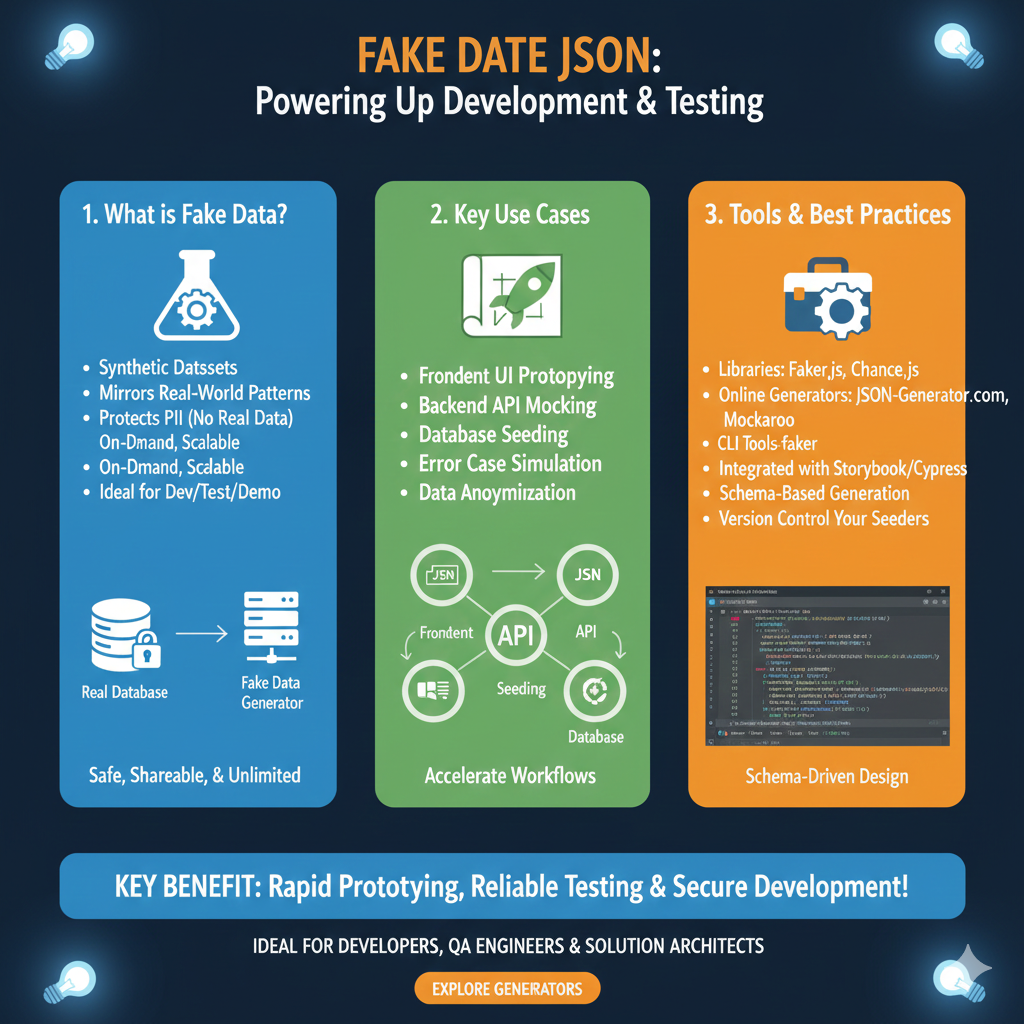
  • How to Generate Fake JSON Data for Development and Testing

    Introduction: Why You Need Fake JSON Data

    In the world of web development, testing, and prototyping, having realistic data is crucial. However, relying on real data sources can be slow, complex, or even impossible during the initial stages of development. This is where fake JSON data comes to the rescue. It allows developers to simulate API responses, test UI components, and build robust applications without waiting for backend services to be fully functional.

    How to Generate Fake JSON Data Effectively

    There are several methods and tools available to help you generate fake JSON data, each suitable for different scenarios.

    1. Using Online Fake JSON Data Generators

    For quick and easy generation without writing any code, online tools are your best friend. These generators often allow you to define a schema and specify the number of entries you need.

    • JSONPlaceholder: Provides a free fake online REST API for testing and prototyping. It offers various resources like posts, comments, albums, photos, and users.
    • Mockaroo: A powerful data generator that lets you define fields, data types (e.g., first name, email, date, UUID), and even generate SQL, CSV, Excel, or JSON formats.
    • JSON Generator: A simple tool where you can define a JSON template with specific data types and generate multiple records.

    2. Programmatic Generation with Libraries

    When you need more control, flexibility, or want to integrate data generation into your build process, using programming libraries is ideal.

    JavaScript Example (@faker-js/faker)

    @faker-js/faker is a popular library for generating massive amounts of realistic fake data in Node.js and browsers.

    import { faker } from '@faker-js/faker';
    
    function createRandomUser() {
      return {
        userId: faker.string.uuid(),
        username: faker.internet.userName(),
        email: faker.internet.email(),
        avatar: faker.image.avatar(),
        password: faker.internet.password(),
        birthdate: faker.date.birthdate(),
        registeredAt: faker.date.past(),
      };
    }
    
    const users = faker.helpers.multiple(createRandomUser, {
      count: 5,
    });
    
    console.log(JSON.stringify(users, null, 2));

    Python Example (Faker)

    The Python Faker library provides a wide range of fake data generators.

    from faker import Faker
    import json
    
    fake = Faker()
    
    def create_random_product():
        return {
            "product_id": fake.uuid4(),
            "name": fake.word().capitalize() + " " + fake.word(),
            "description": fake.text(max_nb_chars=100),
            "price": round(fake.random_number(digits=2) + fake.pyfloat(left_digits=1, right_digits=2, positive=True), 2),
            "category": fake.word(),
            "in_stock": fake.boolean(),
            "created_at": fake.date_time_this_year().isoformat()
        }
    
    products = [create_random_product() for _ in range(5)]
    
    print(json.dumps(products, indent=2))

    3. Manual Creation and Templating

    For very small datasets or specific scenarios, you might simply create JSON data manually or use simple templating approaches.

    [
      {
        "id": 1,
        "name": "Alice Smith",
        "email": "alice.smith@example.com"
      },
      {
        "id": 2,
        "name": "Bob Johnson",
        "email": "bob.johnson@example.com"
      }
    ]

    Benefits of Using Fake JSON Data

    • Faster Development: Frontend and backend teams can work in parallel.
    • Robust Testing: Test edge cases, error states, and various data types.
    • Reduced Dependencies: Develop features without a fully functional API.
    • Improved Collaboration: Share consistent mock data across teams.
    • Cost-Effective: Avoid incurring costs from external API calls during development.

    Conclusion

    Generating fake JSON data is an essential skill for modern developers. Whether you opt for online generators, powerful libraries, or manual creation, mastering these techniques will significantly streamline your development and testing workflows, ultimately leading to higher quality applications. Start incorporating fake data into your projects today and experience the difference!

    “Fake JSON Data” Infographic

    The infographic details the importance and methods for utilizing mock JSON data during development and testing.


    1. Data Creation Flow

    The top section shows the two primary methods for creating the fake JSON data that is then sent to a mock server.

    • Method 1: Manual JSON
      • Start $\to$ Date $\to$ Manual JSON $\to$ Cnsign & Date $\to$ JSON $\to$ ComlServer.
    • Method 2: JSON Server/Mocking Tools
      • Start $\to$ JSON Server $\to$ Dlmdik Mchods $\to$ Cnsign & Date $\to$ JSON $\to$ ComlServer.
      • The final output is sent to a ComlServer and used in the Frontend Latolied Testing flow.

    2. Tools & Techniques

    This section, labeled “Tools Benefits” and “Development Booster Pack,” lists various tools and methods for generation and use.

    • Tools Benefits:
      • Daker Dara Dir iron Prcedgmen Testing.
      • Chastede the Fstering Sewat Carits.
      • Fraciel Covikient, Gorlliste Moerbunt.
    • Frontend Latolied Testing:
      • API Dabase Seeding: Ensures consistency.
      • Nios torm ndia bis port, tstto FCs tsi dost endig.

    3. Key Benefits

    This section outlines the advantages of using fake JSON data in the development workflow.

    • Fhtered lscae JSONt Development: Enables faster, isolated development cycles.
    • Tflails Cb-Jinclexglland tor Dats: Facilitates easier testing of API contract failures.
    • Stmproae Seeding: Provides stable, repeatable data for tests, ensuring reliability.
    • Aser rernnet-alireign riax cse atiserienmehad bacitt du wilau hieter drest baingtigng
    fake json data

    learn for more knowledge

    Json Parser ->What is JSON Parser Online? Complete Guide for Beginners – json parse

    Json web token ->What Is JWT Token? (JSON Web Token Explained for Beginners) – json web token

    Json Compare ->JSON Comparator, Online JSON Diff, JSON Compare Tool – online json comparator

    Mykeywordrank ->Search Optimization and SEO: Mastering Visibility in Search Results – keyword rank checker

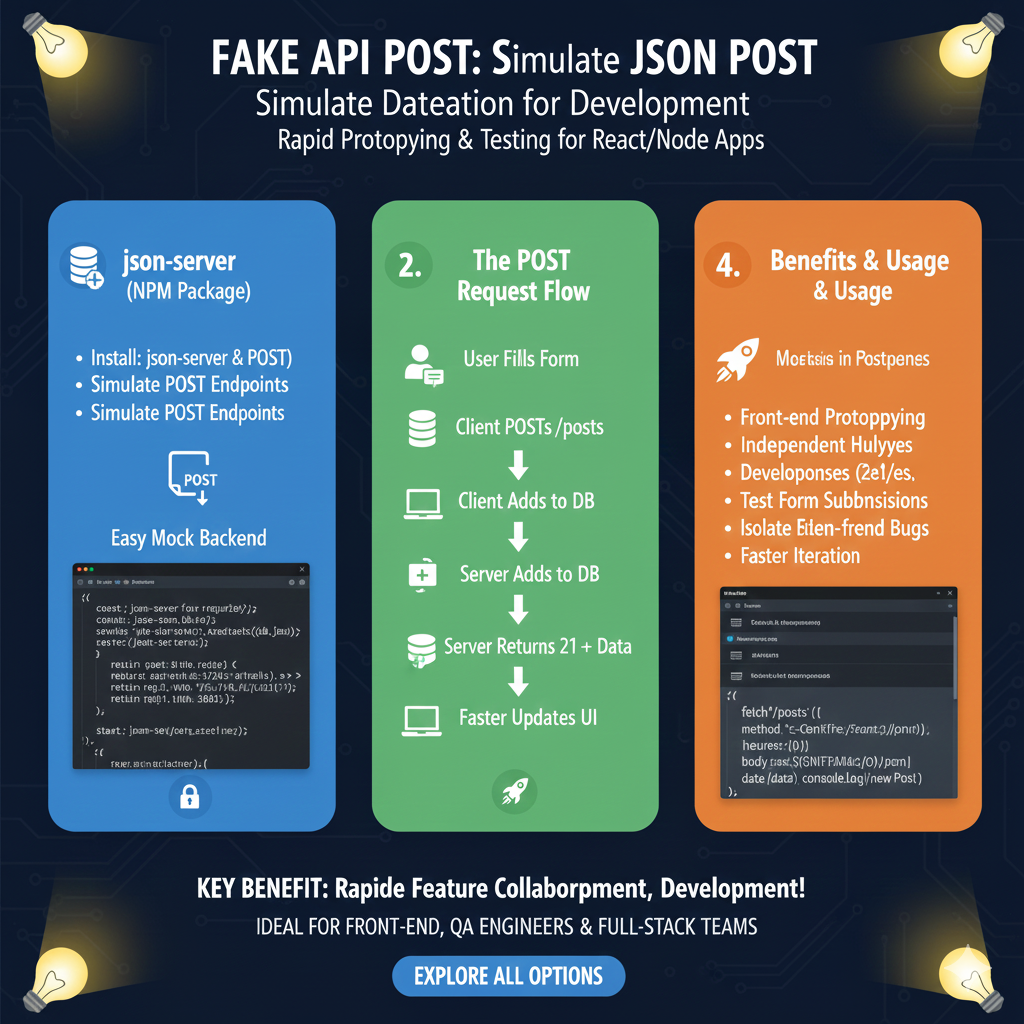
  • How to Create a Mock API Fast with JSON Server for Development

    Introduction: What is JSON Server?

    In the fast-paced world of web development, front-end teams often find themselves waiting for the backend API to be ready. This dependency can slow down development, testing, and prototyping. This is where a mock API comes into play, and JSON Server is an excellent tool for the job.

    JSON Server allows you to quickly set up a full fake REST API with zero coding in less than a minute. It’s perfect for:

    • Rapid front-end prototyping without a real backend.
    • Testing your front-end components against consistent data.
    • Learning how to interact with RESTful APIs.

    How to Set Up a Mock API with JSON Server

    Let’s dive into the step-by-step process of creating your own mock API.

    Prerequisites

    Before you begin, ensure you have Node.js and npm (Node Package Manager) or Yarn installed on your system. You can download Node.js from its official website.

    Step 1: Install JSON Server

    Open your terminal or command prompt and run the following command to install JSON Server globally:

    npm install -g json-server

    This command makes the json-server command available system-wide.

    Step 2: Create Your Data File (db.json)

    Next, create a simple JSON file that will serve as your database. Name it db.json in your project directory. Here’s an example:

    {
      "posts": [
        { "id": "1", "title": "JSON Server Tutorial", "author": "Alice" },
        { "id": "2", "title": "Mock API Best Practices", "author": "Bob" }
      ],
      "comments": [
        { "id": "1", "body": "Great post!", "postId": "1" }
      ],
      "profile": { "name": "typicode" }
    }

    In this file, each top-level property (posts, comments, profile) will become a resource endpoint.

    Step 3: Start JSON Server

    Navigate to the directory containing your db.json file in your terminal and run JSON Server:

    json-server --watch db.json

    You should see output indicating that JSON Server is running, typically on http://localhost:3000. It will automatically create REST endpoints for your data:

    • http://localhost:3000/posts
    • http://localhost:3000/comments
    • http://localhost:3000/profile

    The --watch flag ensures that any changes you make to db.json are automatically reloaded by the server.

    Step 4: Making Requests to Your Mock API

    Now that your mock API is running, you can interact with it using standard HTTP methods:

    GET Requests

    To fetch all posts:

    GET http://localhost:3000/posts

    To get a specific post by ID:

    GET http://localhost:3000/posts/1

    To filter posts by author:

    GET http://localhost:3000/posts?author=Alice

    POST Requests

    To create a new post:

    POST http://localhost:3000/posts
    Content-Type: application/json
    { "title": "New Article", "author": "Charlie" }

    PUT/PATCH Requests

    To update an existing post (PUT replaces, PATCH updates specific fields):

    PUT http://localhost:3000/posts/1
    Content-Type: application/json
    { "id": "1", "title": "Updated Title", "author": "Alice" }

    DELETE Requests

    To delete a post:

    DELETE http://localhost:3000/posts/1

    Why JSON Server is a Game-Changer for Development

    Using JSON Server for your mock APIs offers several significant advantages:

    • Speed and Simplicity: Set up a full REST API in minutes without writing any backend code.
    • Frontend Autonomy: Front-end developers can work independently, without waiting for backend development.
    • Consistent Testing: Provides a predictable and consistent data source for unit and integration tests.
    • Real-time Updates: The --watch flag ensures your mock API reflects changes to your db.json instantly.
    • Flexible: Supports full CRUD operations, pagination, filtering, sorting, and even relationships.

    Conclusion

    JSON Server is an indispensable tool for modern front-end development, offering a powerful yet simple way to create mock APIs quickly. By following this how-to guide, you can significantly accelerate your development workflow, improve testing, and facilitate seamless collaboration between front-end and back-end teams. Give it a try on your next project and experience the difference!

    “JSON Server Mock API: Developer’s Best Friend”

    This infographic explains why JSON Server is a favored tool for frontend development and testing.


    1. What It Is: Code Less, Test More!

    • Definition: JSON Server is a light-weight npm package that provides a full REST API from a single db.json file in about a minute.
    • Simple Data: The API data is defined in a JSON object, such as:JSON{ "posts": [ { "id": 1, ... } ], "users": [...] }

    2. How It Works

    The tool automatically translates the JSON file structure into usable REST endpoints.

    • Command: Running json-server --watch db.json starts the mock server.
    • Endpoints: Based on the data defined in db.json, it serves resources at endpoints like /posts and /users.
    • Querying: It supports standard RESTful operations and querying, such as:
      • GET /posts?title={json-server}
      • GET /posts?_sort=views&_limit=1

    3. Killer Features

    JSON Server offers several features that mimic a real backend without complex setup.

    • Full REST Support: Handles POST, PUT, PATCH, DELETE requests, automatically persisting changes to db.json.
    • Relations/Associations: Can handle relationships between different resources (e.g., a post having an author ID).
    • Simulate Errors: Ability to introduce artificial latency or failure responses.
    • Static Assets: Serves static files alongside the API.

    4. Use Cases, Needs & Benefits

    The main utility is supporting parallel development and testing.

    • Fast Frontend Development: Enables developers to start coding the frontend immediately, without waiting for the backend.
    • Unit & Integration Testing: Provides a stable fixture (reliable, testable data) for running UI or integration tests repeatedly.
    json server mock

    learn for more knowledge

    Json Parser ->What is JSON Parser Online? Complete Guide for Beginners – json parse

    Json web token ->What Is JWT Token? (JSON Web Token Explained for Beginners) – json web token

    Json Compare ->JSON Comparator, Online JSON Diff, JSON Compare Tool – online json comparator

    MyKeyword rank ->Best Strategies to Rank on Google’s First Page in 2025 (Complete SEO Guide) – keyword rank checker

  • What Is JSON Mock API? (Beginner-Friendly Explanation)

    A JSON Mock API is a fake or simulated API that returns sample JSON data instead of real database information. Developers use it to test applications, practice API calls, and build projects without needing an actual backend server.

    It behaves just like a real API — you can send GET, POST, PUT, and DELETE requests — but all responses are fake, pre-generated JSON.


    ✨ Why JSON Mock API Is Used

    A JSON mock API helps developers:

    • Build and test apps before the backend is ready
    • Learn how APIs work
    • Quickly prototype UI
    • Avoid using real servers
    • Test CRUD operations safely

    📌 Examples of Data JSON Mock APIs Provide

    Mock APIs usually return JSON like:

    • Products
    • Users
    • Posts
    • Comments
    • Photos
    • Authentication samples

    Example JSON:

    {
      "id": 101,
      "name": "Sample User",
      "email": "user@example.com"
    }
    

    🚀 Benefits of Using JSON Mock API

    • No signup or server setup
    • Instant fake JSON data
    • Perfect for students and beginners
    • Helps test API integrations
    • Ideal for React, Angular, Vue, Node.js, and mobile apps

    🧑‍💻 Who Uses JSON Mock APIs?

    • Front-end developers
    • Mobile app developers
    • API testers
    • Students learning programming
    • UI/UX teams

    🎯 Final Summary

    A JSON Mock API is a simulated API that provides fake JSON data for testing, learning, and development. It allows developers to build and test applications even when the real backend is not available.

    “JSON Mock API Advantage” Infographic

    A JSON Mock API simulates a real API using predefined JSON data, allowing frontend and backend development teams to work in parallel.

    Phase 1: Setup & Definition

    This phase focuses on creating the mock environment.

    IconStepDescription
    Code IconDefine Data SchemaCreate a simple JSON file (e.g., db.json) defining the structure of the resources (e.g., users, products, todos).
    Tool IconStart Mock ServerUse a tool (e.g., JSON Server, Mocki) to instantly generate RESTful endpoints (like /users or /posts) from the JSON file.
    Gear IconConfigure ResponsesSet custom HTTP status codes (e.g., 200, 404, 500) and simulate network delays for realistic testing.

    Phase 2: Core Benefits (The WHY)

    This section highlights the main advantages for a development team.

    BenefitFocusDescription
    Parallel DevelopmentSpeedFrontend teams can start building UIs and features immediately, without waiting for the real backend API to be complete.
    Testing IsolationReliabilityDecouple the frontend from external dependencies, ensuring tests are consistent and not affected by backend changes or downtime.
    Edge Case SimulationQualityEasily simulate hard-to-reproduce scenarios like network timeouts, empty datasets, and specific error states (e.g., HTTP 500).
    Cost EfficiencyBudgetAvoid incurring costs from repeatedly calling paid or third-party APIs during development and testing.

    Phase 3: Actionable Output

    • Result: A fully functional, local, and predictable API environment for the frontend application.
    • Use Cases:
      • Prototyping: Rapidly create app demos and gather feedback on the UX.
      • Integration Testing: Run stable, repeatable tests in CI/CD pipelines.
    mock api

    learn for more knowledge

    Json Parser ->APIDevTools JSON Schema Ref Parser: Resolving JSON Schema References – json parse

    Json web token ->What Is JWT? (JSON Web Token Explained) – json web token

    Json Compare ->Online JSON Comparator, JSON Compare tool – online json comparator

    mykeywordrank->Google Search Engine Optimization (SEO)-The Key to Higher Rankings – keyword rank checker

  • What Is JSON Fake API? (Beginner-Friendly Explanation)

    A JSON Fake API is a mock or dummy API that provides fake JSON data for testing, learning, and development. Instead of using a real backend server, developers use a fake API to simulate real API responses.

    This helps you build and test applications quickly without needing a live database or real data.


    ✨ Why JSON Fake API Is Used

    • To test front-end applications
    • To learn how APIs work
    • To practice fetching data using JavaScript, React, Angular, etc.
    • To develop UI before backend is ready
    • To avoid breaking real production APIs

    📌 What JSON Fake APIs Usually Provide

    Fake APIs typically include ready-made JSON data like:

    • Products
    • Users
    • Posts
    • Comments
    • Photos
    • Auth examples

    Example:

    {
      "id": 1,
      "title": "Sample Product",
      "price": 29.99
    }
    

    🚀 Benefits of Using JSON Fake API

    • No signup required
    • Fast and simple to use
    • Great for beginners learning APIs
    • Helps test CRUD operations (GET, POST, PUT, DELETE)
    • Zero server setup

    🧑‍💻 Who Uses JSON Fake APIs?

    • Front-end developers
    • Students
    • UI/UX engineers
    • Mobile app developers
    • API testers

    🎯 Final Summary

    A JSON Fake API provides ready-made fake JSON data so you can test applications, learn APIs, and build projects without needing a real backend. It’s perfect for quick prototyping and development.

    Based on the image provided (image_c4c0fd.jpg and image_c4c45c.jpg are similar), here is the structured content for the “JSON FAKE API WORKFLOW: From Idea to Isolated Development” infographic.


    ⚙️ Content for JSON FAKE API WORKFLOW Infographic

    This infographic illustrates the three primary phases of using a fake API to enable fast, isolated frontend development.

    1. SETUP PHASE 🛠️

    This phase prepares the mock data and starts the local server.

    StepActionDescription/Details
    Define SchemaOutline the data structure.Use a schema definition (like schema.ior or JSON) to define keys and data types (e.g., (name): 'Alice'(Alice), String.).
    Start Mock ServerBegin serving the defined data.Uses a command like json-server --watch db.json to respond to REST requests. Endpoints are automatically generated (e.g., /users, /posts).

    2. INTERACTION PHASE 🔄

    This phase shows how the frontend and mock server communicate during development.

    • The Frontend App sends requests to the Mock Server.
    • The Mock Server handles data: it can Read/Write db.json.
    • The Mock Server sends a JSON Response (e.g., 200 OK) and acts as a Decoupled Backend.

    3. DEVELOPMENT & TESTING ✅

    This phase highlights the development work enabled by the fake API.

    • Frontend Logic Execution: The application can fully Render UI and Handle Data received from the mock server.
    • Parallel Development: Frontend development is Decoupled from Backend and can proceed simultaneously.

    KEY BENEFITS ❤️

    BenefitIconDescription
    IsolationLock/SecurityDevelop without dependencies on the real backend.
    Fast IterationClock/SpeedQuickly change data and test scenarios.
    Error SimulationPercentage/CheckmarkEasily test failure states (e.g., HTTP 500).
    json fake api work flow

  • Fake JSON API: Using JSONPlaceholder, DummyJSON, and Mock API

    Fake API JSON refers to sample or dummy JSON data provided by a fake API (mock API) for testing, development, and prototyping. Developers use Fake API JSON to simulate real API responses without needing a live backend or server. It helps in building and testing applications faster and more efficiently. We often call these services fake json api or dummyjson interfaces.


    Why Fake API JSON is Important for Development

    Fake API JSON is widely used in application development because it helps developers:

    • Test applications before the real API is ready.
    • Build UI components with sample data.
    • Debug API-related issues safely.
    • Work offline with dummy data or a local json file.
    • Speed up frontend development by decoupling it from the backend team.

    Popular Fake APIs: JSONPlaceholder and DummyJSON

    Services like JSONPlaceholder and DummyJSON are the most famous examples of a reliable fake json api.

    • JSONPlaceholder: Known for providing simple, predictable fake json resources like users, posts, and comments. It’s perfect for quick prototyping and learning.
    • DummyJSON: Offers a broader set of mock data json resources like products, carts, and more, often simulating a fake store or an e-commerce platform.

    How a Fake JSON API Works: Mimicking a REST API

    A fake API generates JSON data that looks like real-world API responses. Developers access the fake API through a URL (endpoint), and it returns JSON objects such as users, products, posts, comments, or even custom datasets, often adhering to the standards of a REST API. This mimics actual API behavior and allows developers to practice their api call implementation.

    Key Resources Provided by Fake APIS

    Fake APIS and mock services often provide realistic JSON data structures like:

    • User details (id, name, email).
    • Product data (title, price, category) for a fake store.
    • Posts and comments resources.
    • Authentication responses.
    • To-do lists.

    These predictable datasets help developers simulate real-world scenarios and provide a stable datastore json for testing.


    Common Uses of Fake API JSON (TestAPI Scenarios)

    Frontend Development

    The primary use is to build layouts and features using mock data before connecting to the real backend server. This accelerates application development.

    API Testing & Debugging (TestAPI)

    Fake API JSON allows testing request methods like $\text{GET}$, $\text{POST}$, $\text{PUT}$, $\text{DELETE}$ without affecting real production data. QA testers often use these mock endpoints as a testapi to validate workflows without depending on live servers.

    Learning & Practice

    Beginners use fake json apis to practice api call logic and understand JSON formatting and interaction with a REST API.

    Automation Testing

    Used by QA teams to validate workflows against consistent, predictable json data.


    Benefits of Using Fake API JSON

    The benefits of relying on a fake json api like JSONPlaceholder or dummyjson are substantial:

    • No need for a real backend server to start development.
    • Faster development and prototyping with a dummy $\text{API}$.
    • Safe testing environment (you can’t break real data).
    • Consistent, predictable JSON data.
    • Easy for teams to collaborate, as they agree on the JSON structure (expected data) upfront.
    • Ability to create custom endpoints with mock data quickly.

    How to Use Fake API JSON Effectively

    To make the most of your fake api implementation:

    1. Choose a reliable fake API service (JSONPlaceholder, DummyJSON, etc.).
    2. Use sample endpoints to test your api call and check how your app handles the incoming json data.
    3. Check how your app handles errors and missing fields returned by the mock api.
    4. Replace dummy URLs with real API endpoints later in the development cycle.
    5. Validate the JSON structure and fields before integration.

    Final Thoughts

    Fake API JSON is a powerful, essential tool for modern developers. Whether you’re building a frontend, testing a REST API, or learning how JSON works, responses from a robust fake json api like JSONPlaceholder or dummyjson help you work faster and more efficiently, allowing you to focus on building features without backend dependencies.

    The content for the pie chart, based on the data used in the previous step, has been generated and saved to a file.

    Here is the content detailing the distribution of primitive data types found in the sample fake API JSON:

    Pie Chart Content: Distribution of Primitive Data Types in Fake API JSON

    This content represents a sample analysis of a large set of fake API JSON data, focusing on the count of primitive data types found.

    Raw Data:

    Data TypeCount
    String1500
    Number800
    Boolean200

    Calculated Percentages:

    Data TypePercentageTotal Count
    String68.2%1500
    Number36.4%800
    Boolean9.1%200

    Total Primitive Elements Counted: 2500

  • What is Dummy JSON Data- Free Fake Rest Api JSON Data

    Dummy JSON Data refers to fake or placeholder data in JSON format that developers use for testing, prototyping, or learning. Using dummy data allows developers to simulate real-world API responses without needing a live database or production environment. Dummy JSON data is widely used in web development, mobile app development, and API testing. Developers can generate mock JSON, JSON files, and test data to practice API requests, responses, and manipulate JSON documents efficiently.

    What Is Dummy JSON Data?

    Dummy JSON Data is a type of mock JSON or dummy data that imitates the structure of real API responses. It can include sample posts, user profiles, comments, or other JSON data. Beginners and developers can use this data to practice parsing, generating, or manipulating JSON files, simulate real requests and responses, and work offline without a live server or database.

    Why Use Dummy JSON Data?

    Dummy JSON data is helpful for several purposes:

    Testing APIs: Simulate real API responses before the backend is ready.
    Front-End Development: Build and test UI elements using realistic JSON data.
    Learning and Practice: Beginners can manipulate sample JSON, mock JSON, or dummy data without connecting to a live database.
    Prototyping Applications: Quickly create dashboards, apps, or UI elements using dummyjson or generated JSON files.

    Example of Dummy JSON Data

    Here is a sample JSON file used as dummy data:

    [
    {
    "id": 1,
    "name": "John Doe",
    "email": "john@example.com",
    "age": 28
    },
    {
    "id": 2,
    "name": "Jane Smith",
    "email": "jane@example.com",
    "age": 32
    }
    ]

    This is mock JSON data, but it mimics the structure of real API responses. It’s perfect for testing JSON files, generating sample data, and working with API request and response bodies.

    Where Dummy JSON Data Is Used

    Dummy JSON and mock JSON resources are widely used across:

    • Frontend Frameworks: React, Angular, Vue
    • Backend Development: Node.js, Python, Java
    • API Testing Tools: Postman, Insomnia
    • Learning Platforms: Coding tutorials and bootcamps
    • Sample Projects: E-commerce apps, dashboards, social apps

    Benefits of Using Dummy JSON Data

    • No need for a live database
    • Saves development time
    • Easy to test and debug applications
    • Enables offline development
    • Helps simulate real-world API scenarios and JSON data

    Popular Sources for Dummy JSON Data

    Developers can access dummy JSON data from:

    • JSONPlaceholder (https://jsonplaceholder.typicode.com)
    • FakeStore API
    • Mockaroo
    • Randomuser.me API
    • DummyJSON.com

    Conclusion

    Dummy JSON Data is a powerful tool for developers to test, prototype, and learn without relying on live production data. It allows you to generate sample JSON, mock JSON responses, practice API requests and responses, and build functional UI elements efficiently. Using dummy JSON, JSON files, and test data can significantly speed up development and simplify working with API resources, requests, and responses.

    Understanding Your Dummy Data: A World of Possibilities

    Our dummy JSON data generator is designed to cover a broad spectrum of real-world use cases, providing you with diverse datasets to power your development, testing, and prototyping needs. This chart illustrates the distribution of the 20 unique data models available, showcasing the variety at your fingertips.


    Key Takeaways from the Chart:

    1. Users & Profiles (35%, 7 Models):
      • Content: This is our largest category, reflecting the universal need for realistic user data. It includes comprehensive models for individual users, employee directories, customer lists, and authentication profiles.
      • Utility: Ideal for populating user interfaces, simulating login flows, testing user management features, and developing personalized experiences.
    2. E-commerce & Products (30%, 6 Models):
      • Content: A substantial portion of our data models is dedicated to the e-commerce domain, featuring products with detailed attributes, order histories, shopping carts, and inventory lists.
      • Utility: Perfect for building online store interfaces, testing product display pages, simulating order processing, and developing inventory management systems.
    3. Content & Media (25%, 5 Models):
      • Content: This category provides structured data for blogs, articles, social media feeds, comments, and media assets.
      • Utility: Essential for developing content management systems (CMS), building news aggregators, testing social media integrations, and prototyping media galleries.
    4. Geo & Technical (10%, 2 Models):
      • Content: While a smaller segment, these models are crucial for specialized applications, including geographical locations (cities, countries, coordinates), technical configurations, and simplified log entries.
      • Utility: Useful for mapping applications, testing location-based services, simulating device configurations, or creating simplified system logs for analysis.

    Why This Distribution Matters to You:

    • Comprehensive Coverage: No matter your project type, from social apps to e-commerce platforms, you’ll find relevant and structured data.
    • Rapid Prototyping: Quickly grab a suitable dataset to bring your UI to life, without spending hours manually crafting data.
    • Robust Testing: Utilize a variety of data types to ensure your application handles different data structures and values gracefully.
    • Scalability: Understand the breadth of data you can generate, helping you plan for future development needs.
    model distribution