Blog

  • What is FakeStore API: Beginner-Friendly Guide to Using Fake E-Commerce Data

    The FakeStore API is one of the most popular tools for developers who want realistic e-commerce data without building a backend. This fake api provides ready-made product data, response json, categories, users, carts, and CRUD operations using a simple json api endpoint. Whether you’re testing UI components, learning how api requests work, or building mock server applications, the fakestore api is designed to make development faster, easier, and more efficient.

    What Is FakeStore API?

    The fakestoreapi is a free fake store api that delivers structured e-commerce data through clean and readable response JSON. This mock server acts like a real store api, giving developers the ability to test products, users, carts, and request workflows without writing any backend code. Because it works like a real api, beginners can practice handling fetch requests, parsing json data, and displaying products in their applications.

    Why Developers Use FakeStore API

    Testing, Prototyping, and Debugging Using Fake API

    Developers frequently use this fake store api to test product data, response json, carts, and user authentication flows. With simple api calls, you can instantly fetch e-commerce data, mock checkout flows, and simulate cart updates. This makes the fakestore api ideal for debugging and prototyping features in front-end applications.

    Learning JSON API & Endpoint Requests

    The json api structure of fakestoreapi helps beginners learn how to work with GET, POST, PUT, and DELETE request types. You can understand how to fetch json, handle response objects, update data, and perform CRUD operations on a mock server without any risk.

    Front-End UI Development with Realistic Product Data

    The fake store api provides product titles, descriptions, images, prices, and categories. This product data makes it perfect for building product cards, grids, carts, and order pages in JavaScript, React, Vue, or any other framework. Because the json data looks like real store content, it helps create realistic UI layouts.

    No Backend, No Setup, No Database

    Using fakestoreapi requires no authentication, no database setup, and no server configuration. You simply fetch data from the endpoint and start building pages, carts, or orders.

    Main Features of FakeStore API

    Product Data for UI and Testing

    The fakestore api offers detailed product data including title, price, description, image, and category. Developers use this e-commerce data to test product pages, filter features, UI design, and response handling.

    Categories and Filtering Options

    Through this json api, you can retrieve product categories and enable filtering in your application. The fake api delivers clean category data for practice and testing.

    Users for Authentication Testing

    You can fetch user profiles, simulate authentication, and test login workflows using the fake store api user endpoints. This helps beginners understand how user data is stored and retrieved via api.

    Carts and Orders for Mock Store Functionality

    The store api allows developers to simulate carts, checkout processes, and order updates. You can add items, remove products, and test full cart operations through the response json.

    CRUD Operations on Mock Server

    The fakestoreapi supports creating, reading, updating, and deleting data. This makes it ideal for practicing CRUD operations on a safe mock server and learning proper request handling.

    Example: Fetching Products from FakeStore API

    fetch("https://fakestoreapi.com/products")
    .then(res => res.json())
    .then(data => console.log(data));

    This simple fetch call returns product data in response json format. You can loop through the product array, display items, and test UI components with real product information.

    Why FakeStore API Is So Popular

    The fake store api is widely used by beginners, developers, and educators because:

    • It instantly provides e-commerce data and product content
    • It works as a free mock server with real-like product data
    • It supports all major api request methods
    • It delivers clean response json suitable for teaching and testing
    • It is perfect for building sample store pages, carts, orders, and endpoint simulations
    • It helps developers learn json api integration without backend coding

    Common Use Cases of FakeStore API

    Learning Fetch, JSON, and API Endpoints

    Students and beginners use fakestore api to understand how api requests work, especially handling response json, request methods, and endpoints in JavaScript frameworks like React, Angular, and Vue.

    Testing and Debugging Application Features

    Developers test authentication flows, carts, orders, products, and user profiles using fake api responses. This makes debugging much easier before connecting the app to a real backend.

    Teaching and Training Purposes

    Programming instructors use this store api to teach json api integration, response handling, and CRUD operations.

    Rapid Prototyping with Fake Product Data

    For MVPs and UI demos, fakestoreapi provides instant product and user data, helping teams build prototypes quickly.

    Conclusion

    The fakestore api is one of the most valuable tools for developers who want a simple, fast, and reliable way to work with fake e-commerce data. Its json api structure, mock server behavior, and realistic product data make it ideal for learning, testing, prototyping, and building sample store applications. Whether you’re practicing fetch requests, testing carts, working with users, or experimenting with CRUD operations, the fake store api gives you everything you need to simulate a real e-commerce environment and improve your development workflow.

  • Why Dummy JSON API Is Used? Complete Guide to Dummy API, JSON API, DummyJSON, JSONPlaceholder & Fake Data Tools

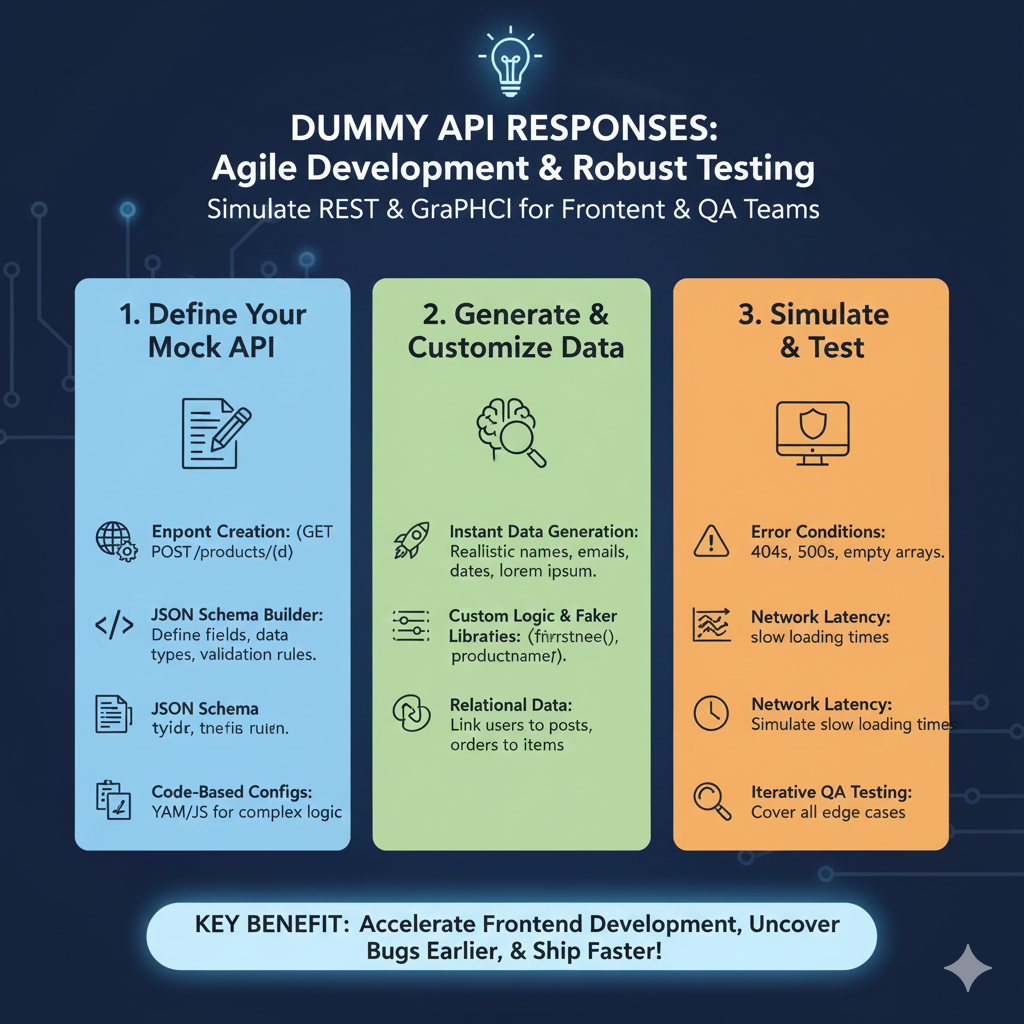
    Many developers rely on a dummy api or json api when building applications because real backend systems are not always available during early development. Tools like DummyJSON, JSONPlaceholder, Reqres, Mock Server, and Beeceptor have become essential for testing, learning, and creating prototypes. This guide explains why dummy APIs are used, how they work, and which platforms offer the best fake json, sample data, and mock responses.

    What Is a Dummy API or JSON API?

    A dummy api or json api is a test api created to provide sample responses, fake data, mock server results, and json dummy outputs without needing a full backend. These services help developers focus on UI, frontend workflow, and response handling before a real database or backend is ready. Popular tools like dummyjson, jsonplaceholder typicode, and reqres supply instant fake apis for products, posts, users, carts, and more.

    Why Developers Use Dummy APIs

    For Frontend Development

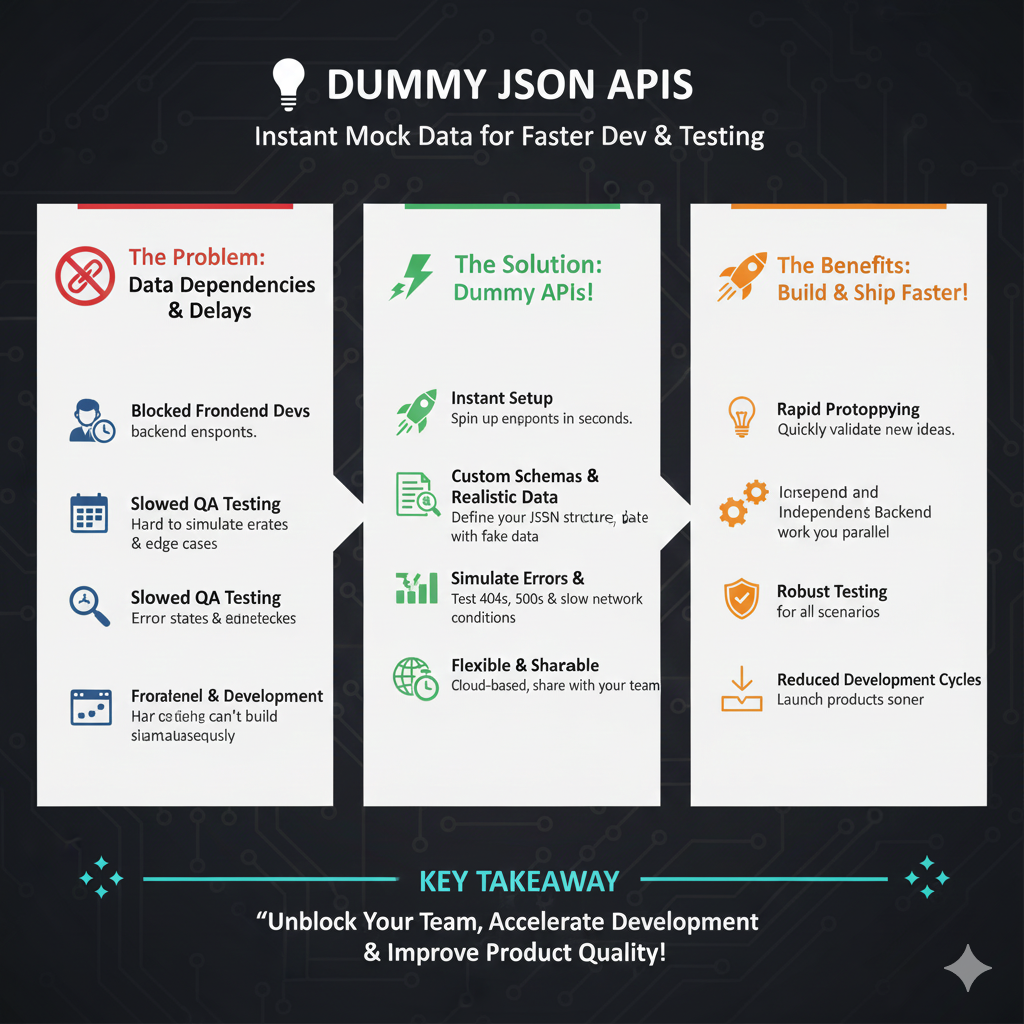
    When building a frontend with React, Angular, or Vue, the backend may still be under development. Dummy api and json api providers let developers fetch data, test components, and simulate real interactions. Services like dummyjson and jsonplaceholder deliver realistic fake json responses so the UI can be completed on time.

    For Testing

    A dummy api helps developers test CRUD operations, pagination, search, filtering, and error handling. Fake apis and mock server tools ensure that testing does not affect real data. Since these mock APIs return stable sample responses, debugging becomes easier.

    For Learning

    Beginners use a json api to understand fetching json, handling API calls, and parsing responses. Dummy json helps new developers practice building apps without worrying about a real backend. Tools like reqres and jsonplaceholder typicode are especially useful for students and portfolio projects.

    To Create Prototypes

    A prototype often needs quick sample data to demonstrate features. Dummyjson, beeceptor, and other fake api tools allow developers to create realistic demos without spending time building a full backend.

    Example of a Dummy JSON API Response

    {
    “id”: 1,
    “name”: “Sample Product”,
    “price”: 499,
    “rating”: 4.5
    }

    This type of json dummy output helps developers test UI layouts, validate forms, and check interactions with dynamic data.

    Popular Dummy JSON API Providers

    JSONPlaceholder – The most widely used test api
    DummyJSON.com – Provides structured fake data such as products, users, and carts
    Reqres – Best for authentication and user-based API test scenarios
    JSONServer – Allows creating a local mock server with custom json data
    Mockoon – GUI-based fake api and mock server creator
    Beeceptor – Quick online mock server with custom endpoints

    Example Dummy API URLs

    https://dummyjson.com/products
    https://jsonplaceholder.typicode.com/posts

    These endpoints deliver free fake json and make it easy to test posts, products, users, comments, and more.

    How Dummy JSON API Helps You

    A dummy api, fake api, or mock server is extremely useful because it:

    • Loads sample data for UI testing
    • Helps test API integration
    • Supports CRUD operations
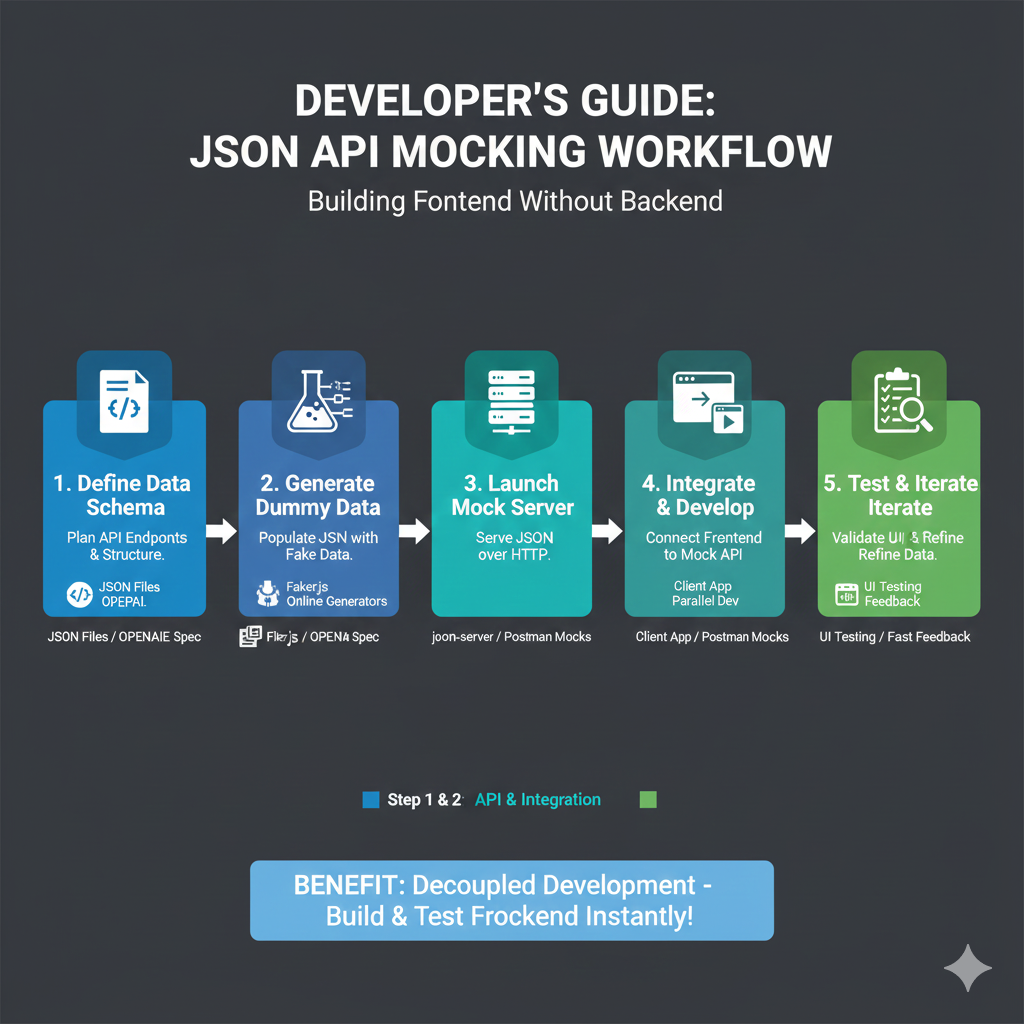
    • Makes frontend and backend development independent
    • Provides fake json for fast prototyping
    • Supports portfolio and learning projects

    Whether you’re building posts, products, users, or any other dynamic content, dummy apis give reliable mock responses to streamline your development workflow.

    Final Thoughts

    Dummy api and json api tools like dummyjson, jsonplaceholder, reqres, and beeceptor play a huge role in modern development. They help developers test features, practice API integration, create prototypes, and build full frontends before the actual backend is ready. These free fake apis, mock servers, and sample data sources make development faster, smoother, and more efficient.

  • Top Software & Tools to Create Mock JSON API (2025 List) — Complete Guide to Mock API, Mock Services & Response Mocking

    Developers often rely on a mock api when building or testing applications. Mock apis allow you to simulate endpoints, generate test data, and create realistic mock responses without a real backend. Whether you’re working in frontend development, backend testing, cloud environments, or local projects, mock apis are essential tools. This guide lists the best tools for 2025 and integrates all mock api, mocked api, response mocking, and mock services keywords for improved search visibility.

    Why Developers Use Mock API Tools

    Mock apis help developers create mock endpoints, mock urls, and realistic mock responses so applications can be tested before the actual backend is complete. A mocked api speeds up development, testing, and debugging by providing stable, predictable responses. These tools are widely used for testing local requests, developing new features, generating sample test data, and simulating real-world api services.

    JSON Server — Most Popular Mock API Tool

    JSON Server remains one of the easiest ways to create a mock api. With a simple db.json file, developers can generate a full REST API instantly. It supports GET, POST, PUT, PATCH, and DELETE, making it ideal for React, Angular, and Node.js projects. Because JSON Server creates mock apis locally, it’s perfect for development and testing without depending on real endpoints.

    Installation:
    npm install -g json-server

    Mockoon — GUI-Based Mock API Tool

    Mockoon is a powerful desktop tool for anyone who prefers visual mock api creation. It allows developers to build mock apis, design mock endpoints, set headers, delays, authentication rules, and manage multiple mock services. Since Mockoon handles everything visually, it’s great for beginners and professionals who want quick response mocking without code.

    Postman Mock Server

    Postman offers a fully featured mock api creator inside its platform. You can generate mocked api responses directly from your Postman collections. It supports mock urls, mock collections, and response mocking for testing flows before the actual backend exists. Postman mocks are widely used in cloud teams, QA testing, and collaborative development environments.

    Beeceptor

    Beeceptor is an online platform that creates mock api endpoints instantly. Developers can create custom responses, test requests, monitor traffic, and use cloud-based mock api services for free. Beeceptor is excellent for quick testing without installation and is perfect for lightweight mock apis or simple response mocking.

    Typicode JSONPlaceholder

    JSONPlaceholder is a free public fake api used for testing fetch requests, learning API calls, and building demos. Although it doesn’t support deep customization, it provides reliable sample data for posts, users, comments, and todos. It remains a popular choice for simple api mock scenarios.

    Mocki.io

    Mocki.io is an online mock api generator that helps developers build mock endpoints with custom JSON responses. It’s ideal for demos, prototypes, or situations where quick mocked api output is needed without setting up local tools.

    MirageJS — Mock API for Frontend Apps

    MirageJS creates a realistic mock api inside your frontend application. It intercepts fetch and Axios requests, making it perfect for React, Vue, or Next.js development. MirageJS allows complete response mocking and works as an advanced api mock environment for frontend-heavy projects.

    Swagger Mock API

    Swagger tools allow developers to auto-generate mock endpoints from an OpenAPI schema. This is ideal for enterprise teams and cloud microservices where mocked api services must follow strict schema definitions. Swagger-based mock apis provide accurate, schema-driven test data and mock responses.

    WireMock

    WireMock is a powerful mock server used for advanced backend testing. It supports dynamic responses, multiple mock endpoints, and complex rules. Its flexibility makes it suitable for large applications that need detailed mocked api behavior.

    Firebase Realtime Database as Simple Mock API

    Although not a traditional mock api tool, many developers use Firebase to create simple JSON endpoints quickly. It’s useful for beginners, learning projects, and lightweight applications where you need a quick mock api without managing servers.

    Best Recommendations

    For beginners: JSON Server
    For GUI users: Mockoon
    For online cloud mocks: Beeceptor
    For frontend apps: MirageJS
    For enterprise schema-based mocking: Swagger Mock API

    These mock api tools help developers build, test, and debug applications quickly with realistic mock data, mock endpoints, and stable mocked api responses.

  • Fake API: Why Fake JSON APIs Are Useful for Developers

    Understanding Fake API, Test API & JSON API for Development

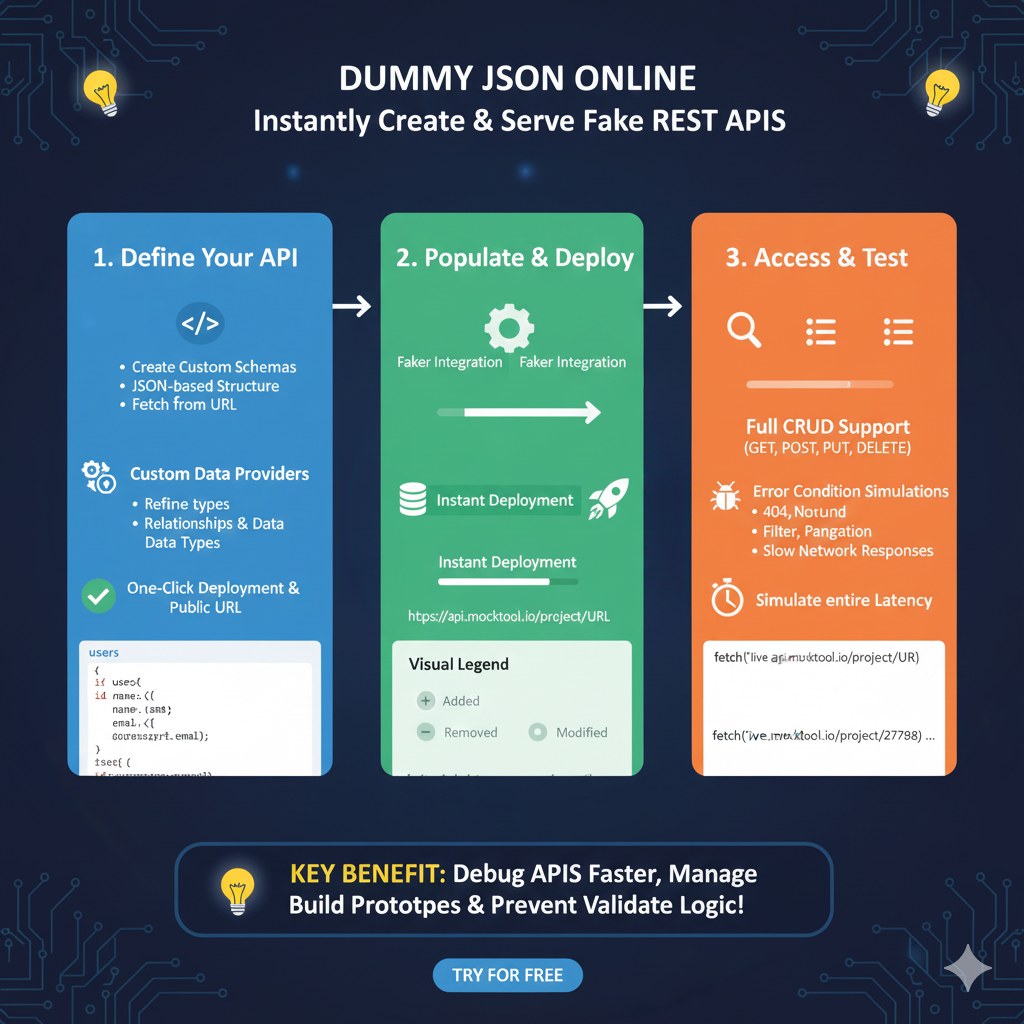
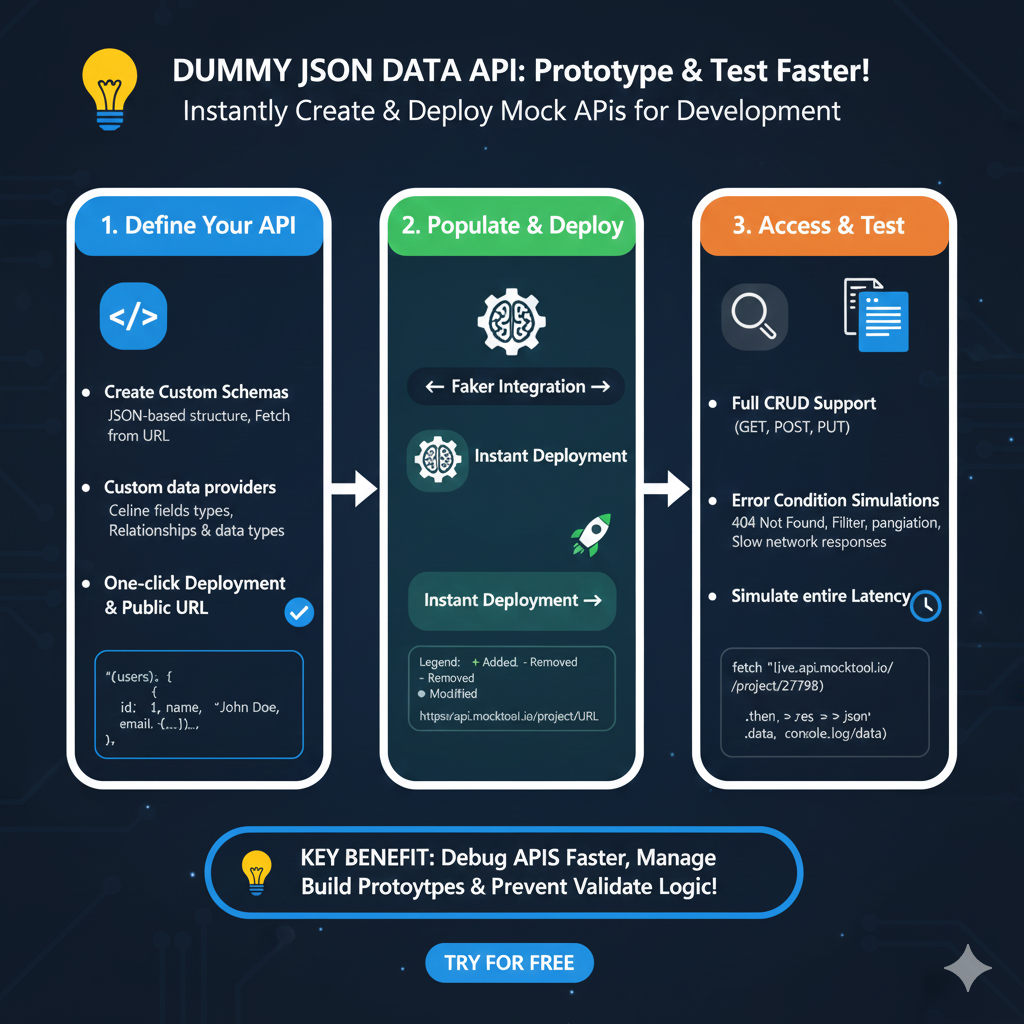
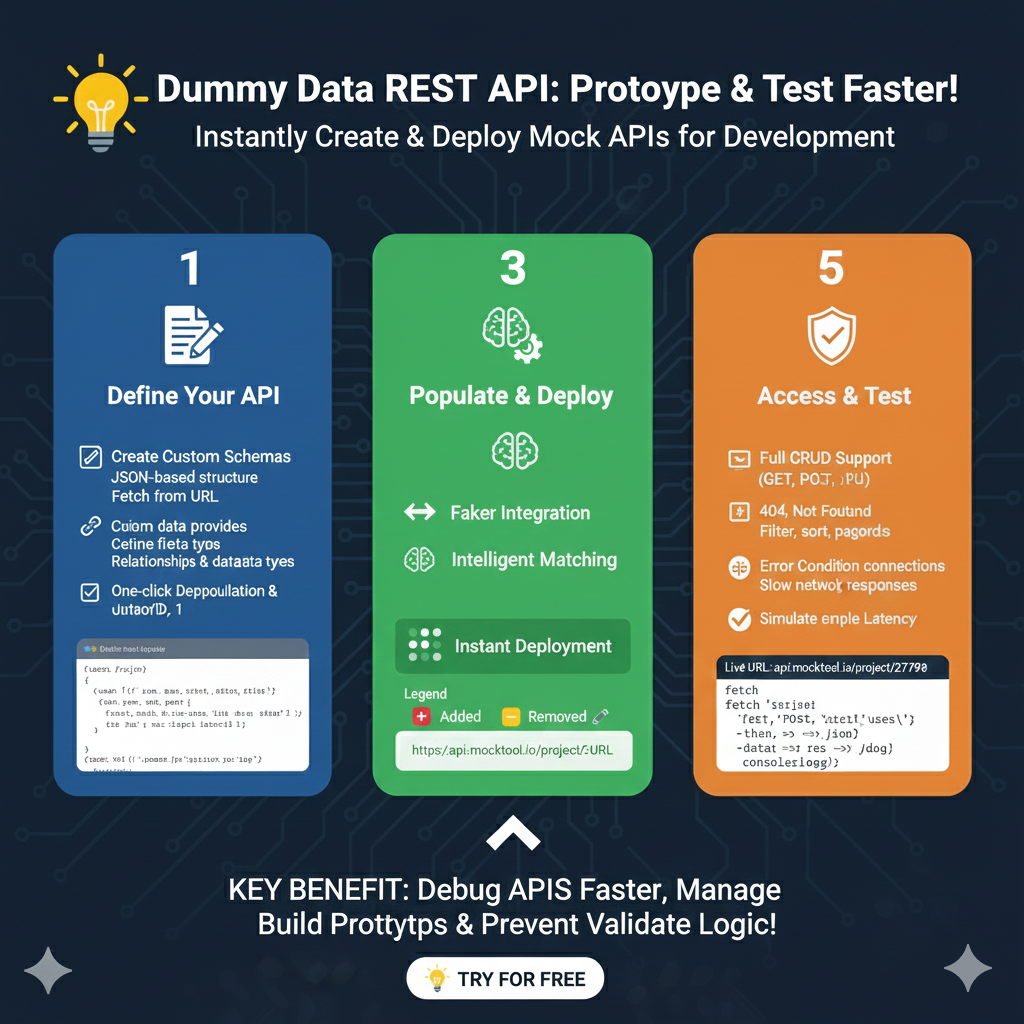
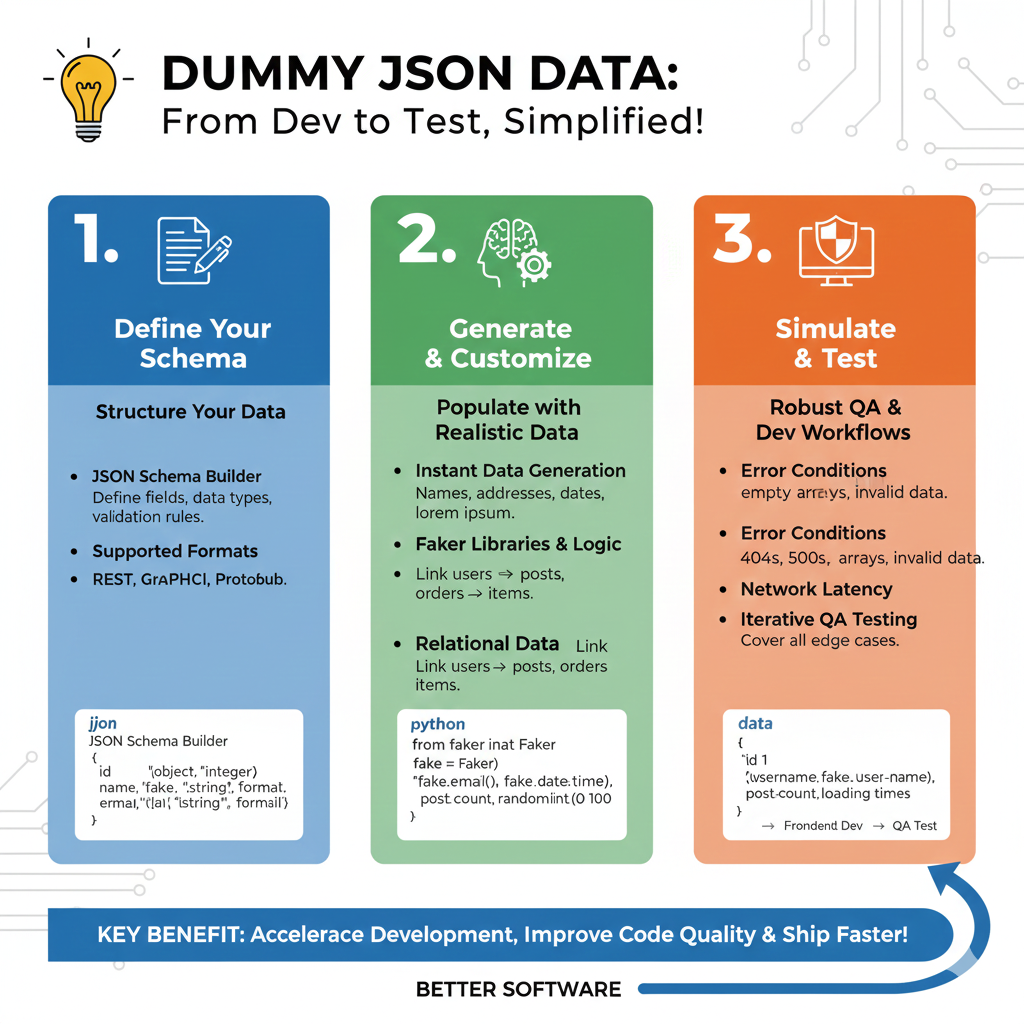
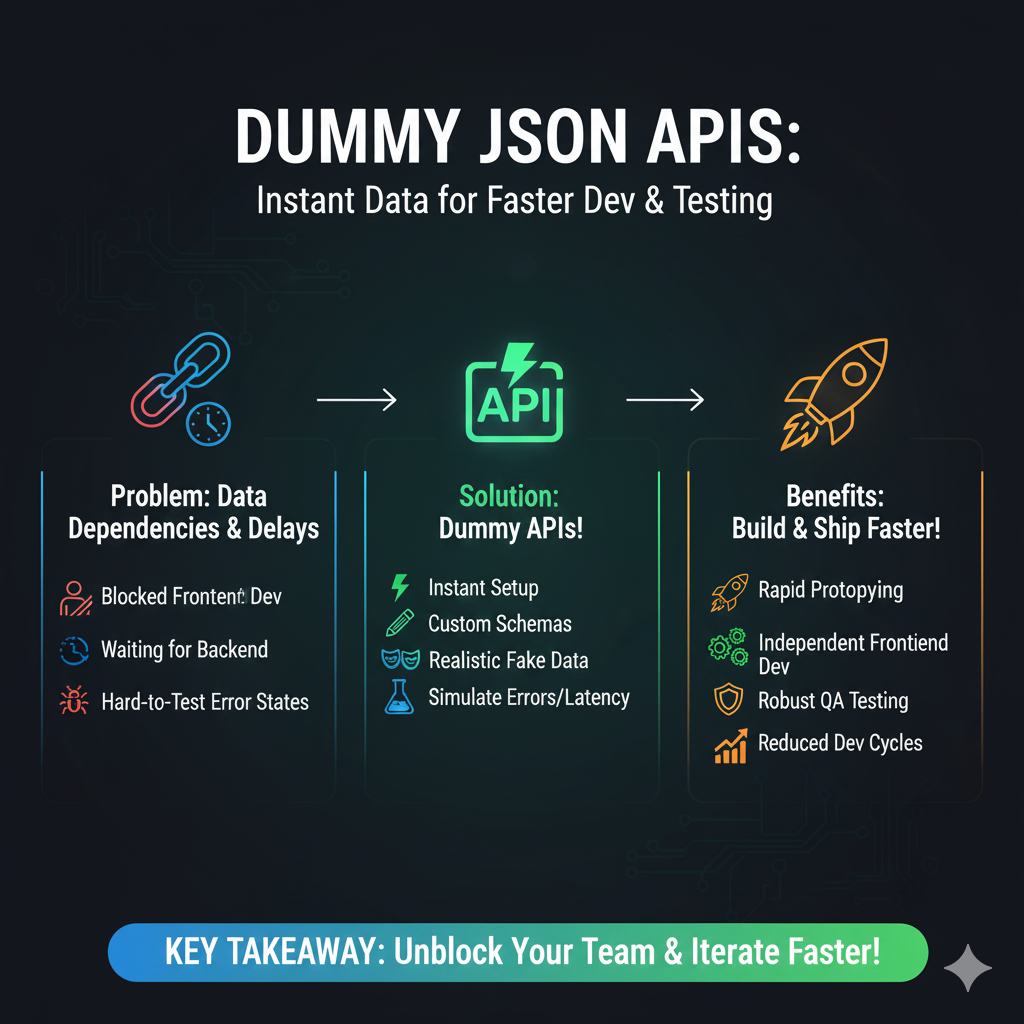
    A fake api is one of the most powerful tools for modern frontend and backend developers. Whether you call it a test api, json api, dummy api, faker api, or simply fake json, these fake apis help developers build apps faster, test data flows, and develop without relying on a real backend. A fake api provides realistic mock data and api endpoints so you can test how your app works in real environments.

    Build Front-End Interfaces Early Using Fake JSON

    One of the biggest advantages of using a fake api or dummy api is the ability to build UI components early. Developers can create forms, tables, product lists, dashboards, and more using consistent fake json data. This means the frontend team can continue working while the backend is still in development.

    Test API Integrations with Fake API & Dummy API

    Fake apis allow developers to simulate real API behavior, including:
    GET, POST, PUT, DELETE requests
    Loading states
    Pagination
    Search and filter logic

    Using tools like Mockoon, DummyJSON, jsonplaceholder, and mock api generators, developers can test how their application handles real-world interactions without breaking anything.

    Prototype Quickly with Dummy API & Fakery Tools

    For quick demos, hackathons, and prototypes, a dummy api or faker api helps you generate instant fake json. Developers can show realistic UI behavior without depending on backend progress. Tools like Platzi Fake, DummyJSON, and Mocki provide ready-to-use endpoints for ultra-fast prototyping.

    Debug and Test Edge Cases Using Fake APIs

    A fake api makes it easy to simulate:
    Slow responses
    Timeouts
    404 or 500 errors
    Broken or empty json
    Unexpected backend behavior

    This helps developers strengthen the user experience and handle all error conditions gracefully.

    Work Offline with Local JSON Server & Mockoon

    You can also create a local fake api using JSON Server or Mockoon. This allows development even without an internet connection. Developers often use a json server to generate fake apis, mock data, and endpoints locally to test backend logic.

    What a Fake JSON API Looks Like

    GET /users

    Response example using fake json:

    {
    "users": [
    { "id": 1, "name": "John Doe", "email": "john@example.com" },
    { "id": 2, "name": "Amelia Carter", "email": "amelia@example.com" }
    ]
    }

    This mock data is perfect for testing layouts, API responses, and frontend logic.

    Tools That Provide Fake API, Dummy API & JSON Mock Data

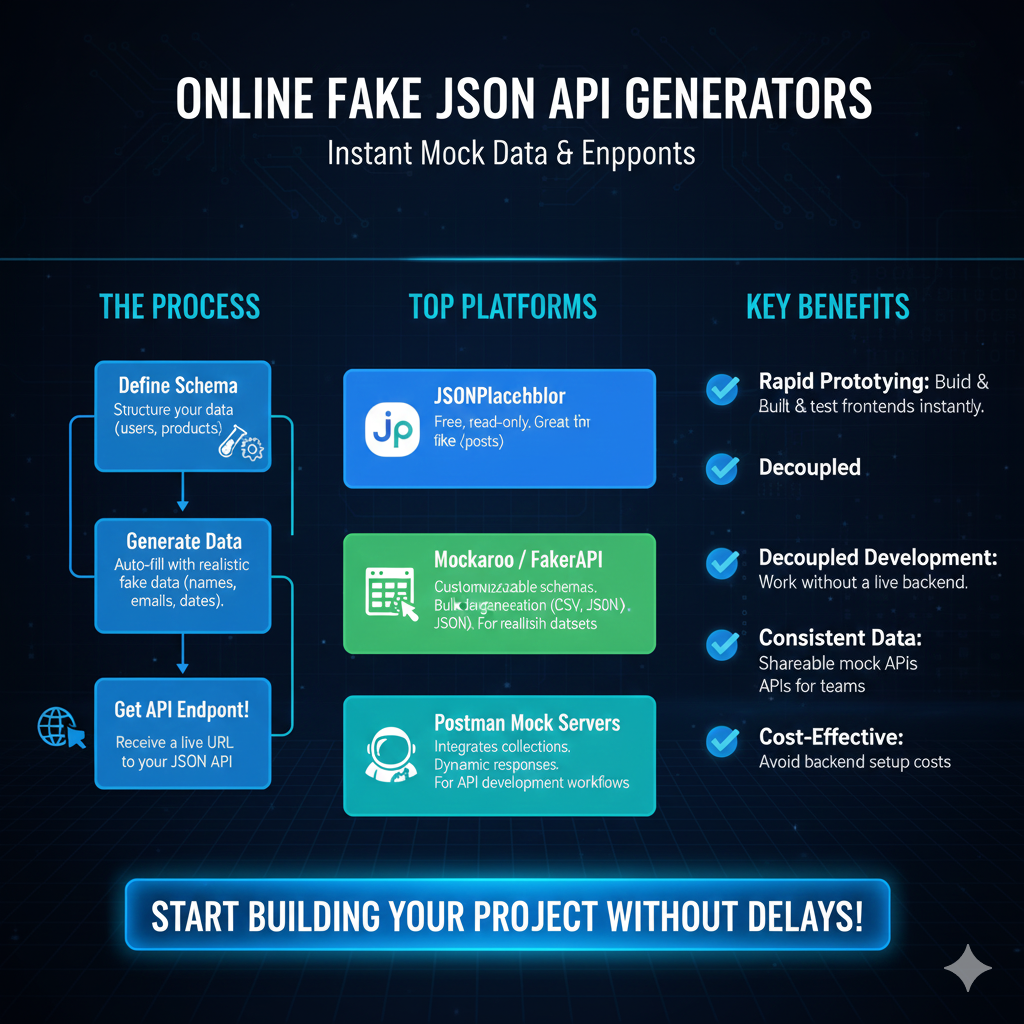
    Here are popular tools developers use for fake apis, mock data, and sample endpoints:
    Mockaroo
    DummyJSON
    Mocki
    Beeceptor
    JsonServer.io
    Mockoon
    JSON Server
    jsonplaceholder
    Fake Store API

    These tools help developers get high-quality fake json, test api responses, and practice backend workflows.

    Example Use Case with Dummy API & Fake Store API

    Imagine building a React application where the backend team hasn’t completed the /products route. Instead of waiting, point your frontend to a dummy api like:

    https://dummyjson.com/products

    This fake api gives you product data, images, categories, and ratings so the UI development can continue smoothly.

    Simple SEO-Friendly Definition of Fake API

    A fake api is a mock or simulated json api that provides auto-generated dummy data for developers. It allows applications to be built, tested, and debugged without using a real backend. Fake json responses, mock endpoints, and test api data help developers create reliable UI, test flows, and validate backend logic.

  • Testing Software Tools: Best Tools & Software to Create Fake JSON Data for Testing

    Overview of Testing Software Tools, Fake API & JSON Mocking
    Modern development teams rely on testing software tools when backend systems are incomplete. Platforms like BrowserStack, Selenium, TestRigor, and many automated and manual testing tools support UI testing, backend validation, test execution, and performance testing. Fake API generators, mock servers, and fake JSON data help teams build prototypes, test workflows, and simulate real user environments even before APIs are ready.

    Why Testing Software Tools Are Important
    Modern testing software and ai-powered testing tools are essential for identifying bugs early, improving test execution, automating regression testing, and supporting both automated testing and manual testing. Whether teams use Selenium, TestRigor, BrowserStack, or SmartBear, testing software tools ensure accurate validation of endpoints, fake API responses, and complete software testing lifecycle workflows.

    Testing Software Tools, Testing Software, Fake API, Selenium, TestRigor, BrowserStack, Testing Tools, Manual Testing, Test Execution, Test, Testing

    Best Tools & Software to Create Fake JSON Data for Testing
    Mockaroo is one of the most popular testing software tools for generating realistic JSON, CSV, SQL, and Excel datasets. It supports automated testing, manual testing, performance testing, and fake API simulations that help development teams improve test execution workflows.

    JSONMockAPI for Prototyping & API Testing
    JSONMockAPI provides fake API endpoints that teams use for software testing, automation testing, and regression testing. It delivers consistent mock data for manual testing, automated testing tools, and full test management environments.

    Mocki for Advanced Fake API Testing
    Mocki is ideal for creating dynamic fake API responses, delays, and errors. QA teams use it alongside Selenium, BrowserStack, and TestRigor for end-to-end automated testing and manual testing workflows.

    Fakeru for Bulk Test Data
    Fakeru generates massive volumes of JSON test data needed for performance testing, regression testing, and automation testing frameworks. It is widely used in manual test setups and software testing tools.

    Beeceptor for Mock Endpoints & Automation
    Beeceptor allows QA teams to create custom fake API responses for automation testing tools, bug tracking, ai-powered testing tools, and test execution environments. It works seamlessly with Selenium, SmartBear, and other software testing frameworks.

    Mr. JSON for Lightweight JSON Test Data
    Mr. JSON is used for quick JSON generation during manual testing, automated testing, regression testing, and local software testing workflows.

    DummyJSON for Realistic API Testing
    DummyJSON offers pre-built user, product, cart, and post endpoints useful for BrowserStack UI tests, manual testing, and automation testing workflows.

    JsonServer.io for Online Mock Servers
    JsonServer.io supports shared fake API workspaces for collaborative software testing, manual testing, automated testing, and performance testing.

    Pollux for JWT-Protected Fake APIs
    Pollux is designed for secure fake APIs with JWT authentication, making it ideal for regression testing, automation testing tools, and login-based test execution.

    JSONtoAll Tools for JSON Schema Mocking
    JSONtoAll converts JSON Schema into complete mock data, supporting automation testing tools, software testing, backend validation, and manual testing.

    Mockoon for Local Fake API Development
    Mockoon is perfect for offline fake API testing using Selenium, BrowserStack, and TestRigor. It fits well into performance testing, test execution, and manual testing workflows.

    Phoney for Dynamic Mock API Testing
    Phoney supports Swagger UI and dynamic fake API creation, making it ideal for software testing tools, automated testing, and full test management frameworks.

    RestJSON for Turning JSON into REST APIs
    RestJSON instantly converts static JSON into RESTful endpoints for automation testing, performance testing, and manual test execution.

    How These Tools Fit Into Testing Software Tools & QA Workflows

    Testing Software Tools + Fake API = Faster Development
    Using fake API tools enhances software testing, automated testing, regression testing, and manual testing. They integrate well with major testing software such as BrowserStack, Selenium, TestRigor, SmartBear, and multiple automation tools.

    BrowserStack for Cross-Browser Testing
    BrowserStack enables testing software across browsers and devices using fake API data. It supports bug tracking, performance testing, test execution, and test management systems.

    Selenium for Automation Testing
    Selenium is widely used with fake API workflows and automation testing tools to validate user flows, backend responses, and regression testing scenarios.

    TestRigor for AI-powered Test Automation
    TestRigor uses ai-powered testing tools to automate tests with human-like logic. It helps with regression testing, manual test reduction, software testing, and complete test automation.

    Conclusion
    Using powerful testing software tools like BrowserStack, Selenium, TestRigor, SmartBear, and AI-driven solutions enhances software testing accuracy and efficiency. Fake API tools, mock servers, and realistic JSON generators strengthen test execution, automated testing, performance testing, and regression testing. Integrating fake API workflows with automated testing tools and software testing frameworks ensures faster development, better bug tracking, and higher-quality releases.